Knowledge Base
Manage your assistant's knowledge sources, upload documents, and configure external integrations.
Table of Contents
Knowledge Base Overview
The Knowledge Base is the central repository of information that powers your AI Assistant. It allows you to upload, manage, categorize, and monitor the documents and sources your assistant references to respond intelligently. You can add internal documents (PDFs, Word files, presentations, audio/video, etc.), link external systems like SharePoint, Confluence, or Jira, manage access, and track source performance.
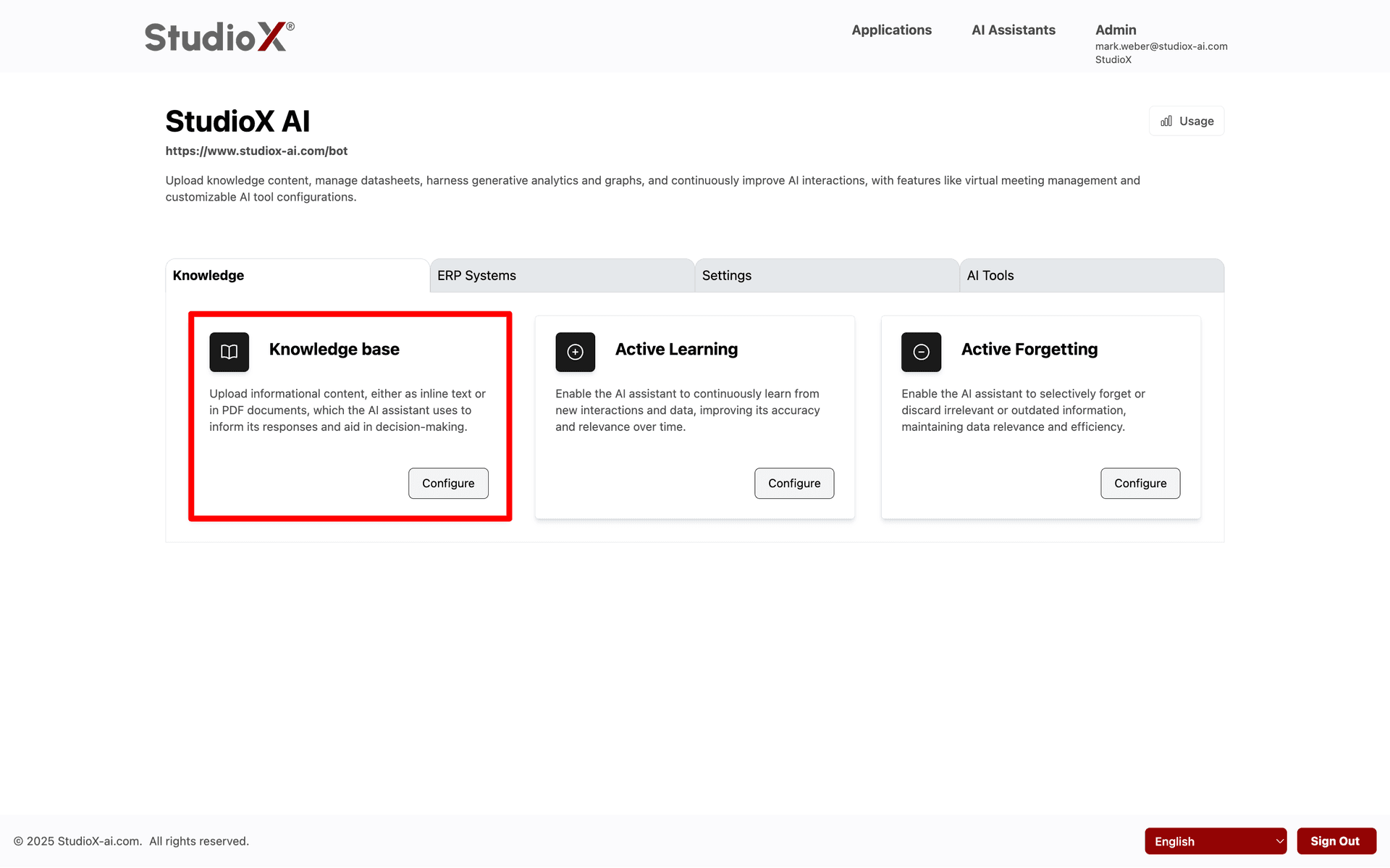
This includes uploading documents, organizing sources into logical groups and categories, linking external platforms, setting access permissions, and monitoring source status and statistics.
Key Features:
- Upload and manage various document types
- Link external sources with secure credentials
- Set document access permissions
- Cache frequently used items for faster response
- Hide irrelevant or outdated sources
- Use labels and groups for better organization
- Track source stats and processing status
- Search, filter, sort, and download sources
Workflow
To begin using this section, navigate to 'Knowledge base' from your dashboard. You can access this page via: Login → AI Assistant → <your bot> → Knowledge base
Access Path:
Login → AI Assistant → <your bot> → Knowledge base
And you can configure it by clicking on the 'Configure' button there.
Language & UI Options
The Knowledge Base interface supports multi-language capabilities and other display customizations.
UI Options
- Refresh page or sort by various criteria
- Multi-language support
Session Management
- Sign Out: End your session from the Knowledge Base page
- Automatic session timeout handling
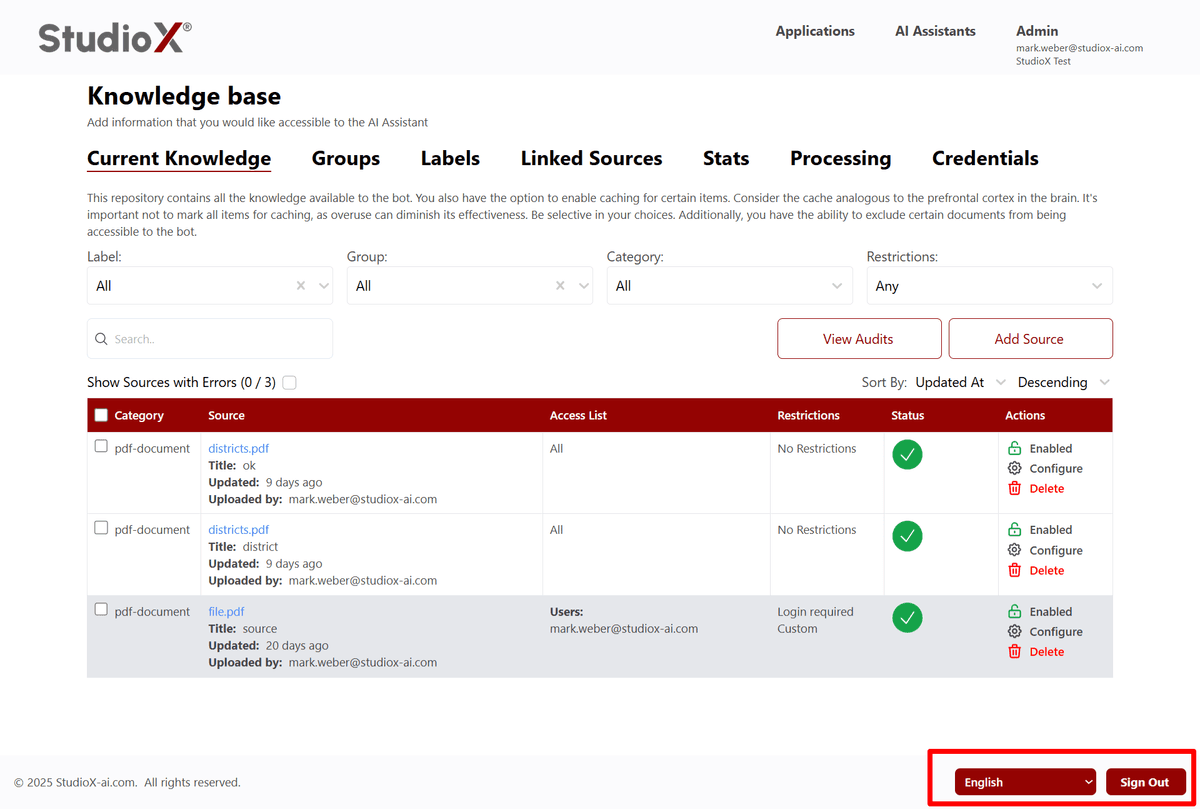
Additional Sections
Details of following features about knowledge base can be found in respective directories:
Current Knowledge Management
Manage and organize your AI assistant's knowledge base including file uploads, access controls, and content management.
Learn MoreAccess Control
End users only need permissions for your main workflow - they don't need access to the invoked workflows
Learn MoreGroups & Labels
Explains how to group team members and categorize documents using descriptive labels, enabling improved access control and filtering.
Learn MoreStats & Processing
Offers visual dashboards and logs to help monitor the health and activity of your Knowledge Base.
Learn MoreExternal Integrations
Connect your AI assistant to live external systems like SharePoint, Confluence, Jira, and more for real-time knowledge updates.
Learn More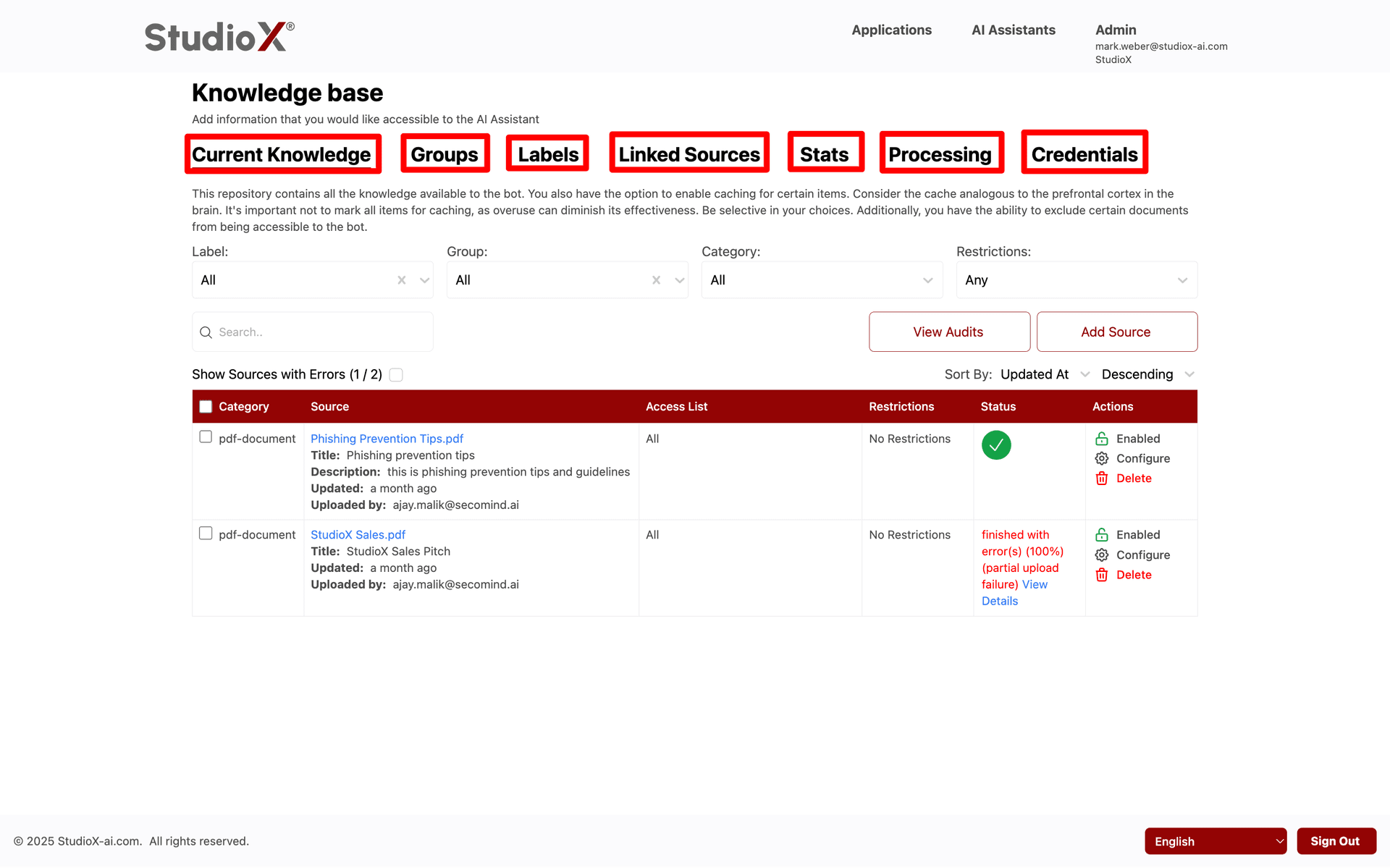
Note: Each section provides comprehensive guidance for managing different aspects of your Knowledge Base effectively.