Stats & Processing
Monitor the health and growth of your knowledge base with comprehensive analytics and processing status tracking.
Table of Contents
Overview
These features help you monitor the health and growth of your knowledge base. Stats track document additions and changes, while the processing tab shows upload and knowledge readiness status.
Stats
Visual analytics and trends for your knowledge base growth and usage patterns.
Processing
Real-time tracking of document upload and processing status with detailed error reporting.
Workflow
To begin using this section, navigate to 'Stats' and 'Processing' from your dashboard. You can access this page via the path shown below.
Access Path:
Login → AI Assistant → <your bot> → Knowledge base → Configure → Stats / Processing
Stats
The Stats section offers a visual summary of how your Knowledge Base is evolving. This is essential for identifying trends in document usage, content types, and updates.
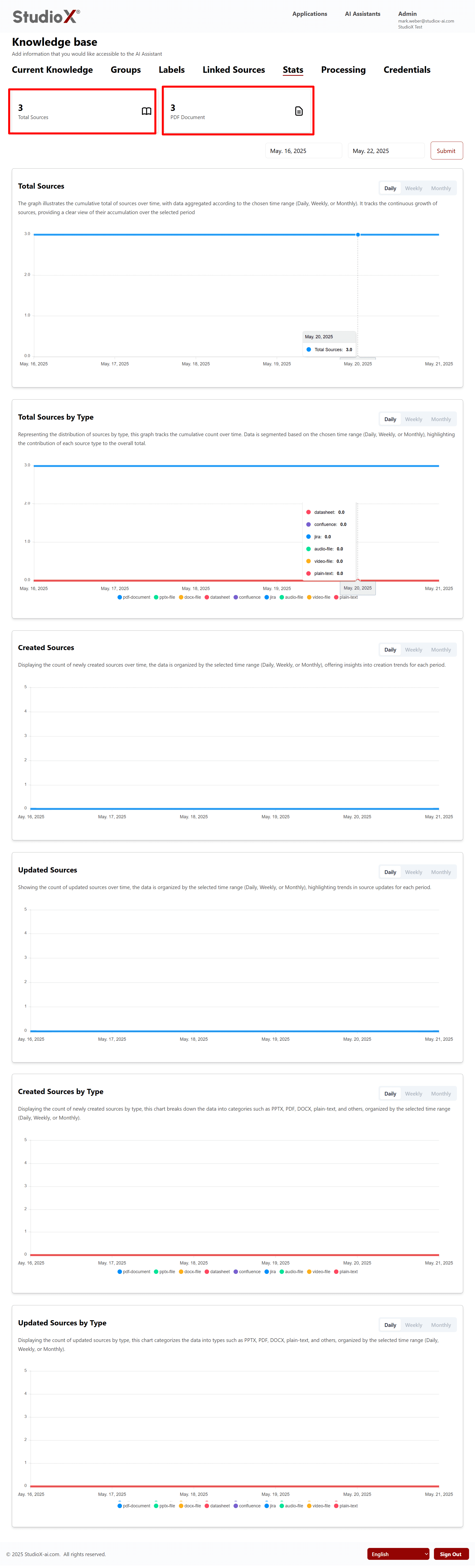
Stat Highlights
Total Sources
- Count by day
- Count by week
- Count by month
Source Types
- Distribution by type (PDF, DOCX, etc.)
- File format breakdown and analysis
- Detailed file format analytics
Created/Updated Sources
- Track changes over time
- Document modification patterns
- Knowledge base activity trends
Visual Charts
- Interactive dashboards and graphs
- Better understand knowledge health
- Visual trend analysis tools
Stats Benefits: Essential for identifying trends in document usage, content types, and updates to optimize your knowledge base performance.
Processing
Every document uploaded to the Knowledge Base goes through a processing phase before becoming available to the assistant. The Processing tab tracks the status of each file.
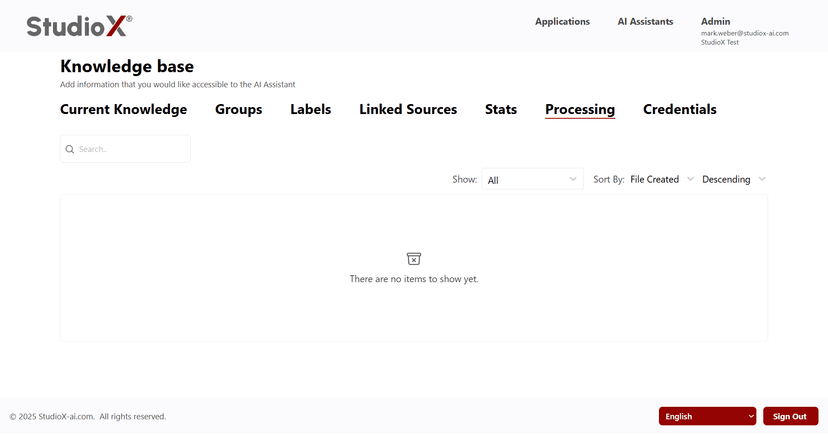
Processing Interface
Main processing dashboard showing all file statuses
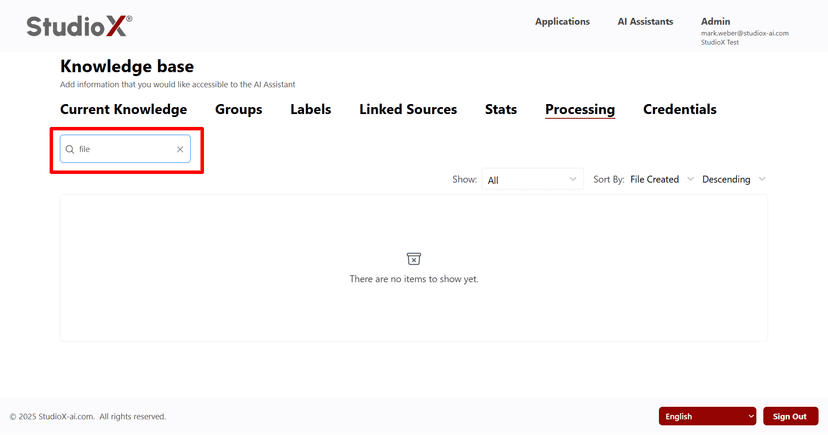
Search Processing
Find specific files by name or criteria
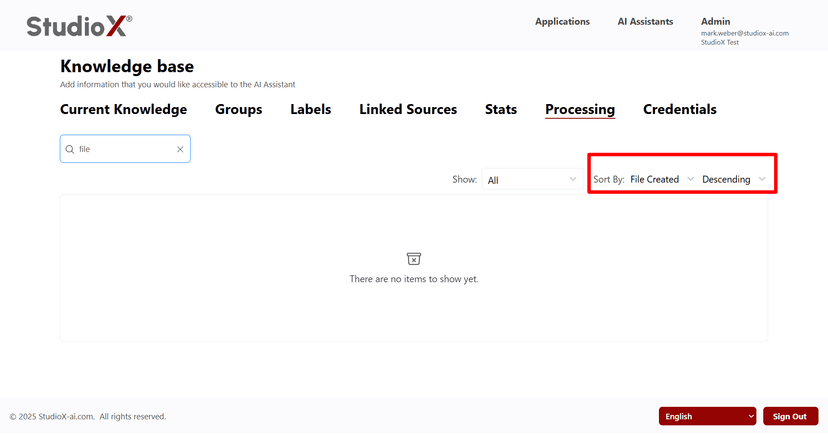
Sort Processing
Organize files by various attributes
Processing Features
Completed Files
Fully processed and ready for use by your AI Assistant
Pending Files
In queue or currently being processed
Error Logs
See what went wrong with failed files and troubleshooting information
Sort & Filter Options
By size, creation date, last modified, and processing status
Processing Workflow:
- Document uploaded to Knowledge Base
- File enters processing queue
- Content extraction and analysis
- Available for AI Assistant responses
Available Filters
Status Filters
- • Completed
- • In Progress
- • All
Sort Options
- • By size
- • By creation date
- • By last modified
Search Options
- • By filename
- • By file type
- • By processing status