External Integrations
Connect your AI assistant to live external systems like SharePoint, Confluence, Jira, and more for real-time knowledge updates.
Table of Contents
Overview
External integrations allow you to link your AI assistant to live external systems such as SharePoint, Jira, Confluence, and more. These integrations keep your assistant's knowledge up to date in real time, ensuring that your AI has access to the most current information from your organization's dynamic systems.
Key Advantage: Instead of uploading static files, you can integrate live systems where knowledge is continuously being updated, providing your AI assistant with always-current information.
Real-Time Updates
Keep your assistant's knowledge synchronized with live systems
Live System Integration
Connect to dynamic platforms where content changes frequently
Workflow
To begin using external integrations, you'll need to navigate to both Linked Sources and Credentials sections from your knowledge base dashboard. The workflow involves setting up credentials first, then creating linked sources that use those credentials.
Access Paths
Linked Sources: Login → AI Assistant → <your bot> → Knowledge base → Configure → Linked Sources
Credentials: Login → AI Assistant → <your bot> → Knowledge base → Configure → Credentials
Linked Sources
Linked sources allow your assistant to stay connected with dynamic, real-time content from external platforms. Instead of uploading static files, you can integrate live systems where knowledge is continuously being updated. Linked sources can be viewed, deleted, refreshed, and sorted for easy management.
Linked Sources Interface

Search Functionality
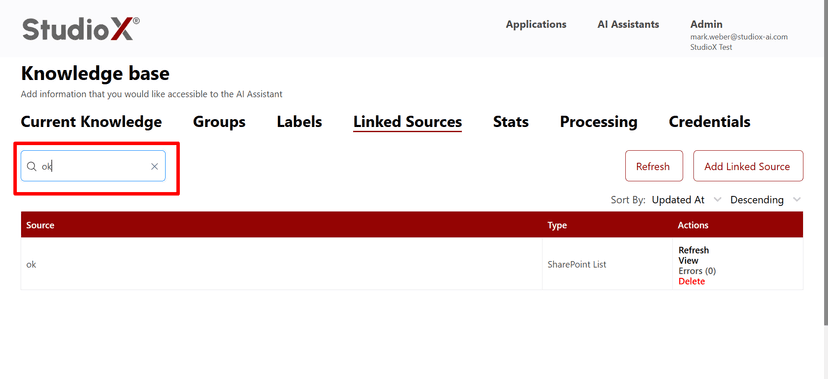
Sort Options
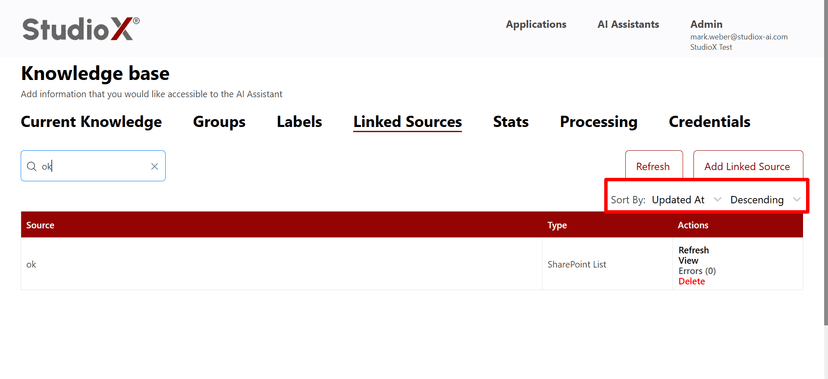
Source Actions
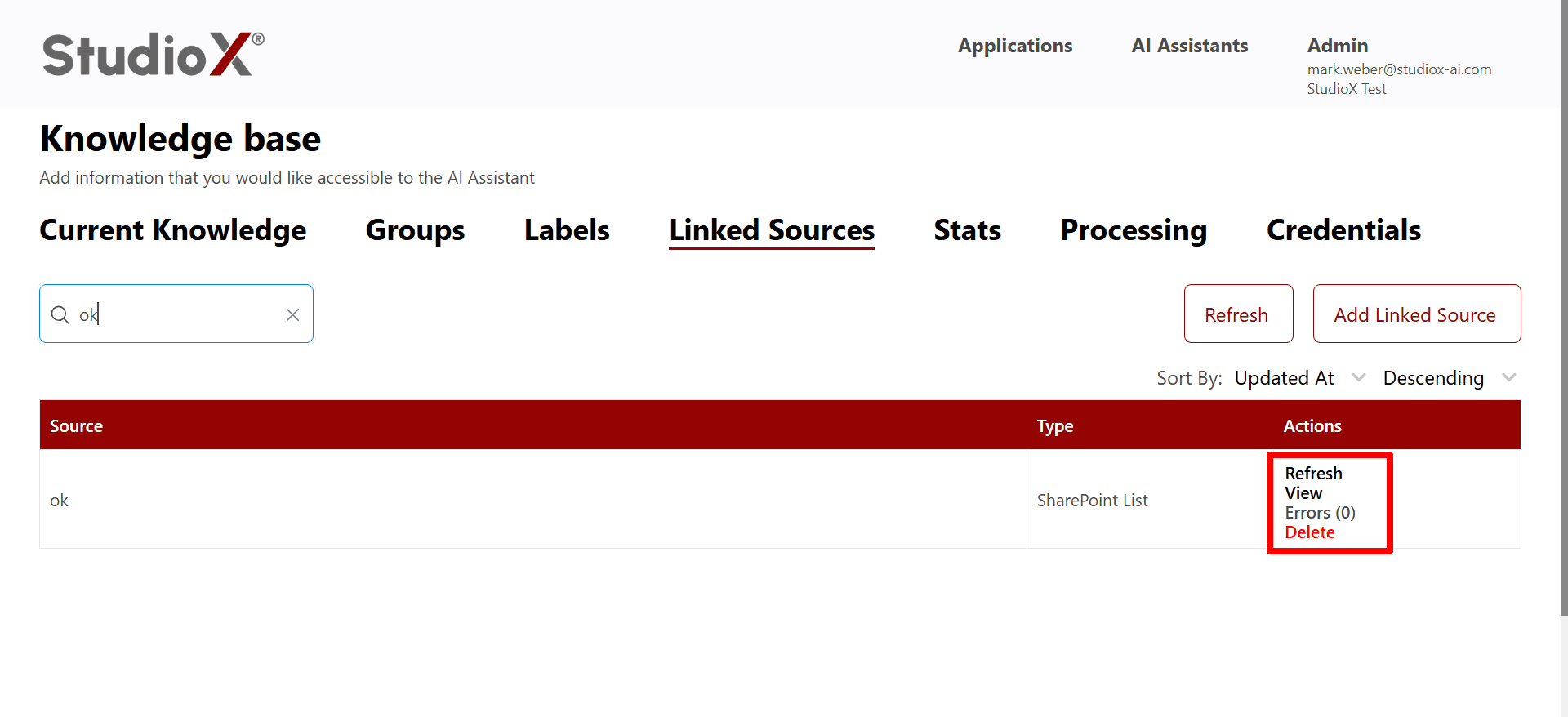
Linked Sources Capabilities
- Access dynamic, real-time content from external platforms
- Benefit from continuous knowledge updates
- View or delete linked sources as needed
- Monitor errors and connection status
- Refresh and sort sources for better organization
Supported Integrations
The Platform supports integration with multiple popular business platforms, each offering unique capabilities for enhancing your AI assistant's knowledge base.
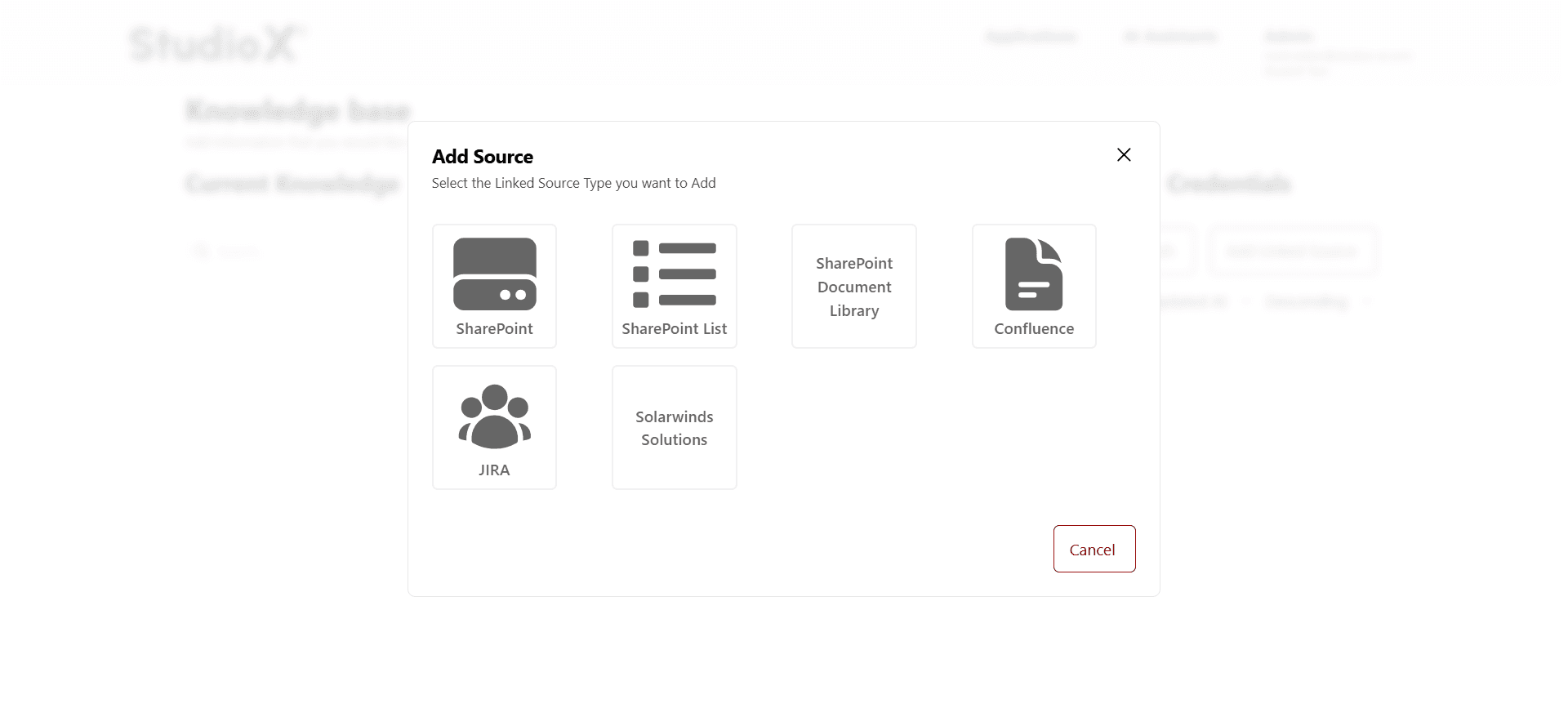
SharePoint
Connect to SharePoint sites and document libraries
Confluence
Integrate with Confluence pages and spaces
JIRA
Access JIRA projects, issues, and tickets
SharePoint Document Library
Specialized integration for SharePoint document libraries
SolarWinds
Connect to SolarWinds monitoring and management tools
Credentials Management
Credentials are the authentication details required to connect to external systems. You must set up credentials before creating linked sources. Each integration type requires specific credential information for secure access.
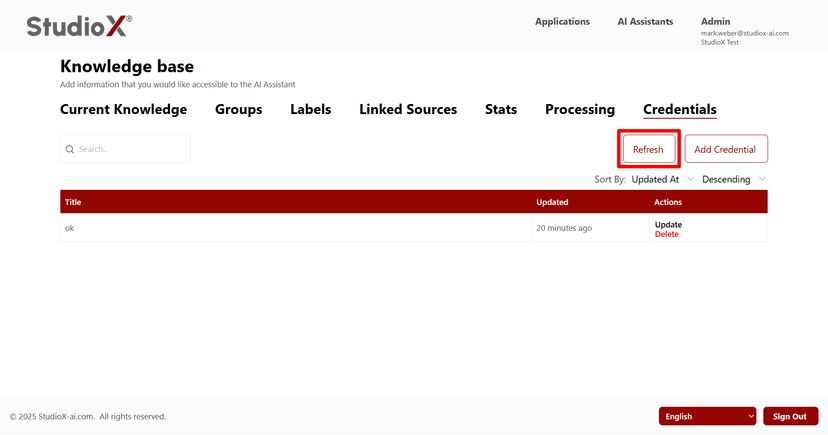
Credentials Interface
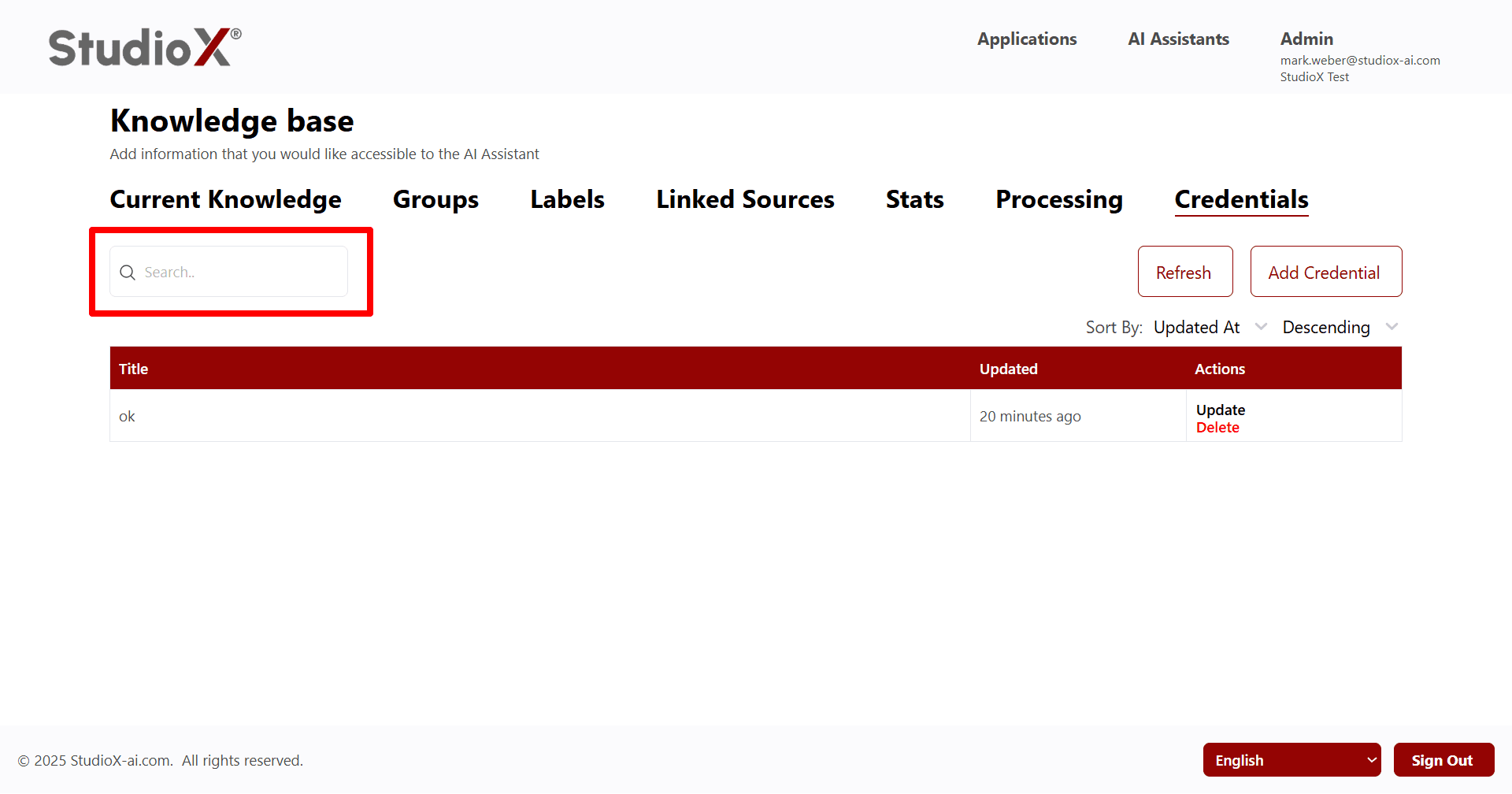
Refresh Credentials
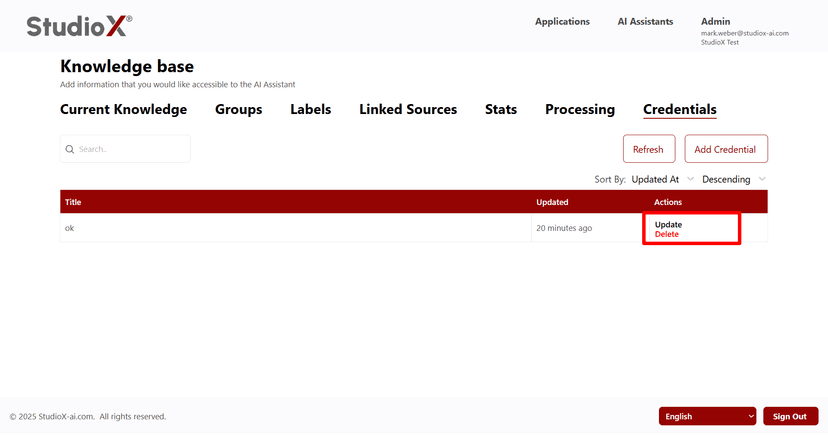
Credentials Actions
Adding Credentials
Before creating linked sources, you need to add the appropriate credentials for each external system. The credential requirements vary by platform and authentication method.
Credential Type Selection
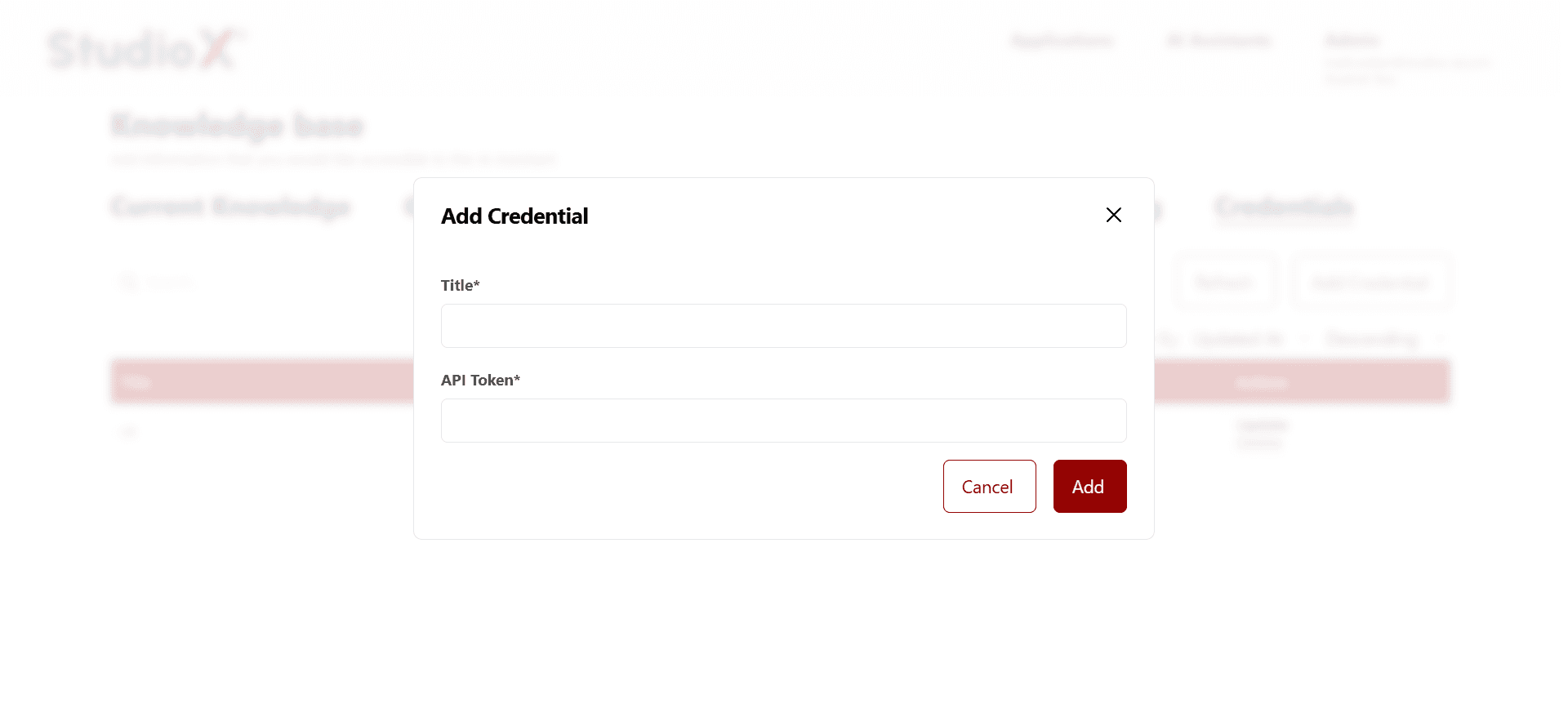
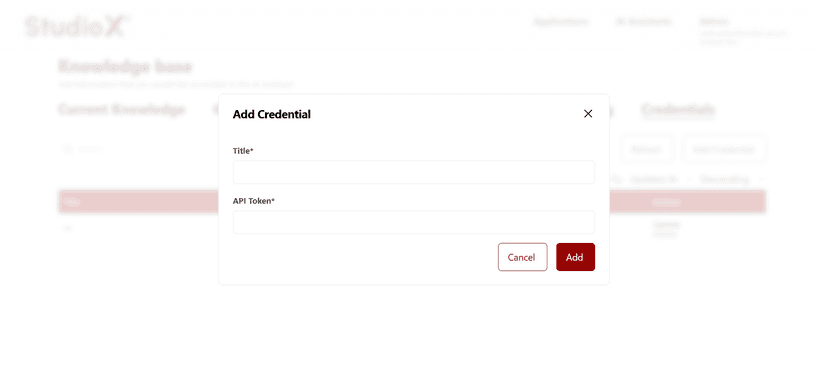
API Token Credential
OAuth Credential
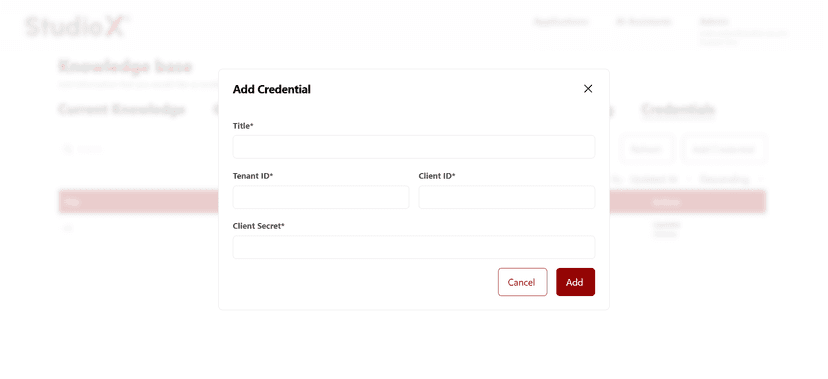
Credential Requirements by Platform
SharePoint Credentials
- • Title (descriptive name for the credential)
- • Tenant ID (Azure/Office 365 tenant identifier)
- • Client ID (Azure application ID)
- • Client Secret (Azure application secret)
Confluence Credentials
- • Title (descriptive name for the credential)
- • App API Token (Confluence application token)
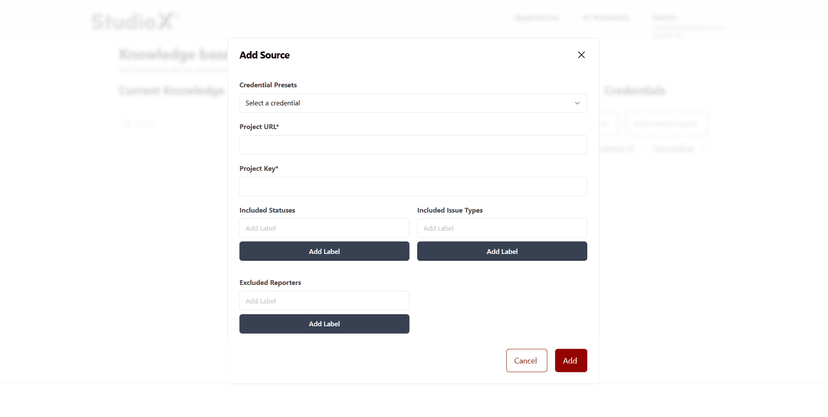
JIRA Credentials
- • Title (descriptive name for the credential)
- • API Token (JIRA authentication token)
SolarWinds Credentials
- • Access credentials depending on instance setup
Adding Linked Sources
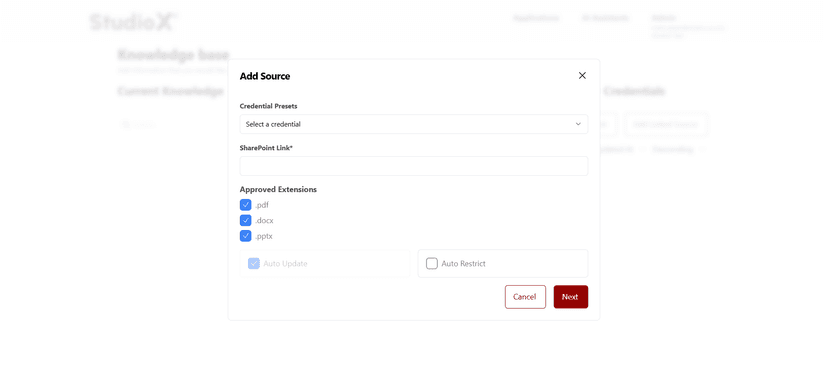
Once credentials are configured, you can create linked sources that connect to specific resources within the external systems. Each source type has unique configuration options for fine-tuning what content is synchronized.
Linked Source Type Selection
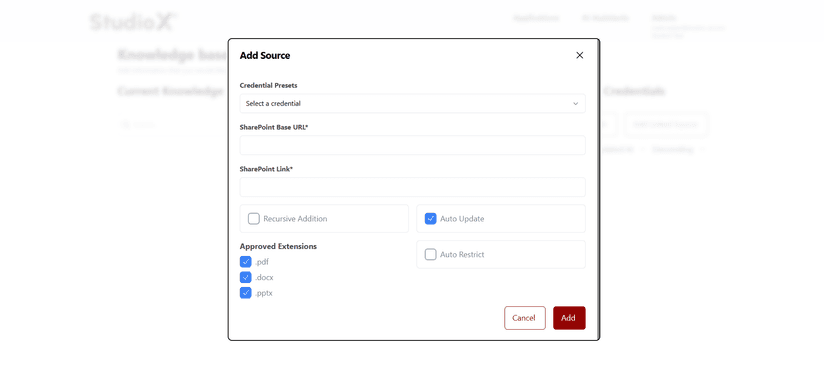
SharePoint Source Configuration
JIRA Source Configuration
SharePoint Advanced Configuration
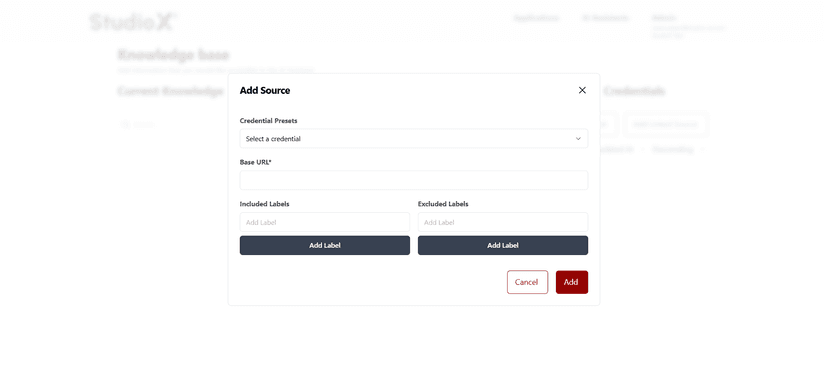
Confluence Source Configuration
Source Configuration Steps
Select Source Type
Choose the type of external system you want to connect
Provide Credentials
Select the appropriate credential preset for authentication
Configure Parameters
Set up source-specific parameters like URLs, filters, and options
Save and Confirm Connection
Save the configuration and verify the connection is working
Managing Sources
Once linked sources are established, you can manage them through various operations including search, sort, refresh, and filtering capabilities. This helps maintain an organized and up-to-date knowledge base.
Available Management Operations
Search Sources
Find specific sources by name or type
Sort Sources
Organize sources by updated time or other criteria
Refresh Sources
Update source listings and sync status
Filter Sources
Filter sources by type, status, or other attributes
Update Sources
Modify source configurations and parameters
Delete Sources
Remove sources that are no longer needed
Management Benefits: Effective source management ensures your AI assistant maintains optimal performance with current, relevant information from all connected external systems while avoiding outdated or irrelevant content.