Profile
Profile Management in the Platform allows users to customize their account, update profile information, modify email settings, and configure personal preferences.
Table of Contents
Profile Management Overview
Each user in the Platform has a profile containing their name, username, role, and contact info. All user types - Business-Admin, Support, and User - can update details like profile picture, name, username, email, and phone number. Some settings, like business info, are viewable only by Admins and Support. Users can upload, edit, or delete their profile pictures easily.
Access Path:
- Login to the Platform
- Go to Admin in the header navigation
- It shows a menu that has multiple options. Select Profile
Profile Picture
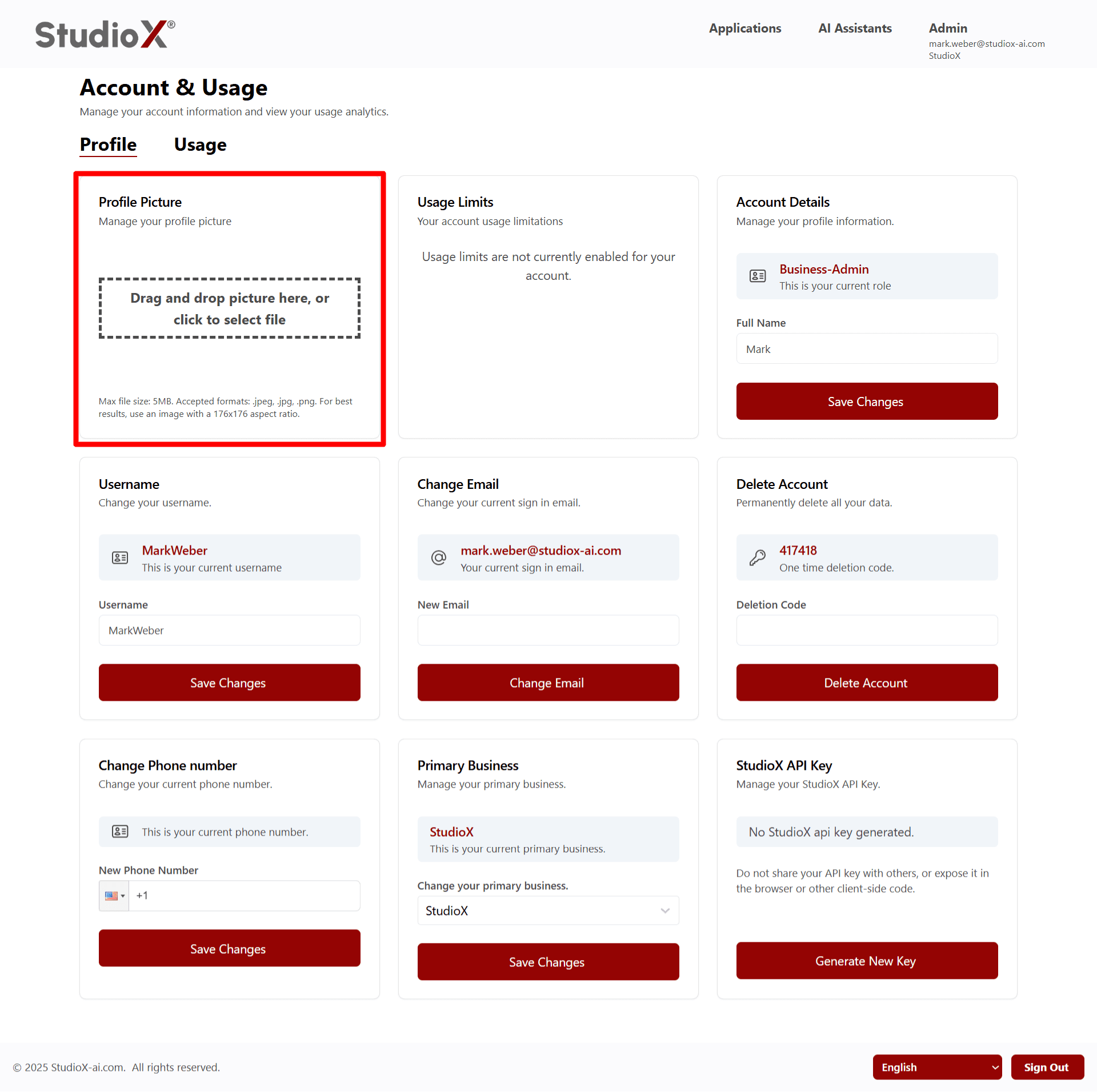
Manage your profile picture with easy upload, edit, and delete options.
Profile Picture Features
- Drag & Drop: Easily upload profile pictures by dragging and dropping into the picture area
- Edit: Click on the picture to edit (crop)
- Update: Update the profile picture as needed
- Delete: Option to remove current picture anytime
Picture Requirements:
- Max file size: 5MB
- Accepted formats: jpeg, jpg, png
- For best results, use an image with a 1:1 aspect ratio
Account Details
View and update your account information including full name and role details.
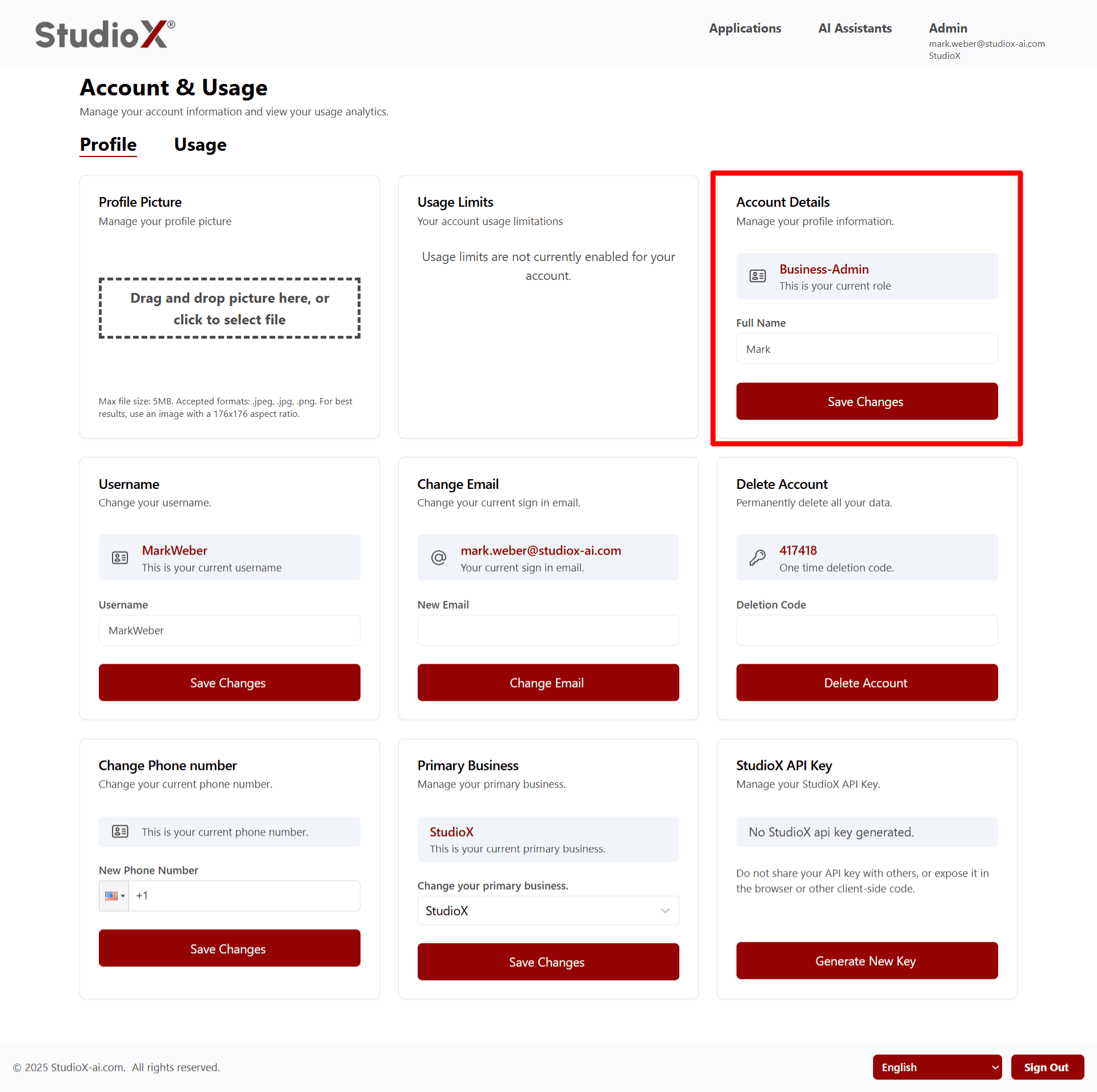
- Users can view their current full name and click to edit and update it instantly
- Current role is displayed (Business-Admin, Business-Support, or User)
Username
View and update your username for the platform.
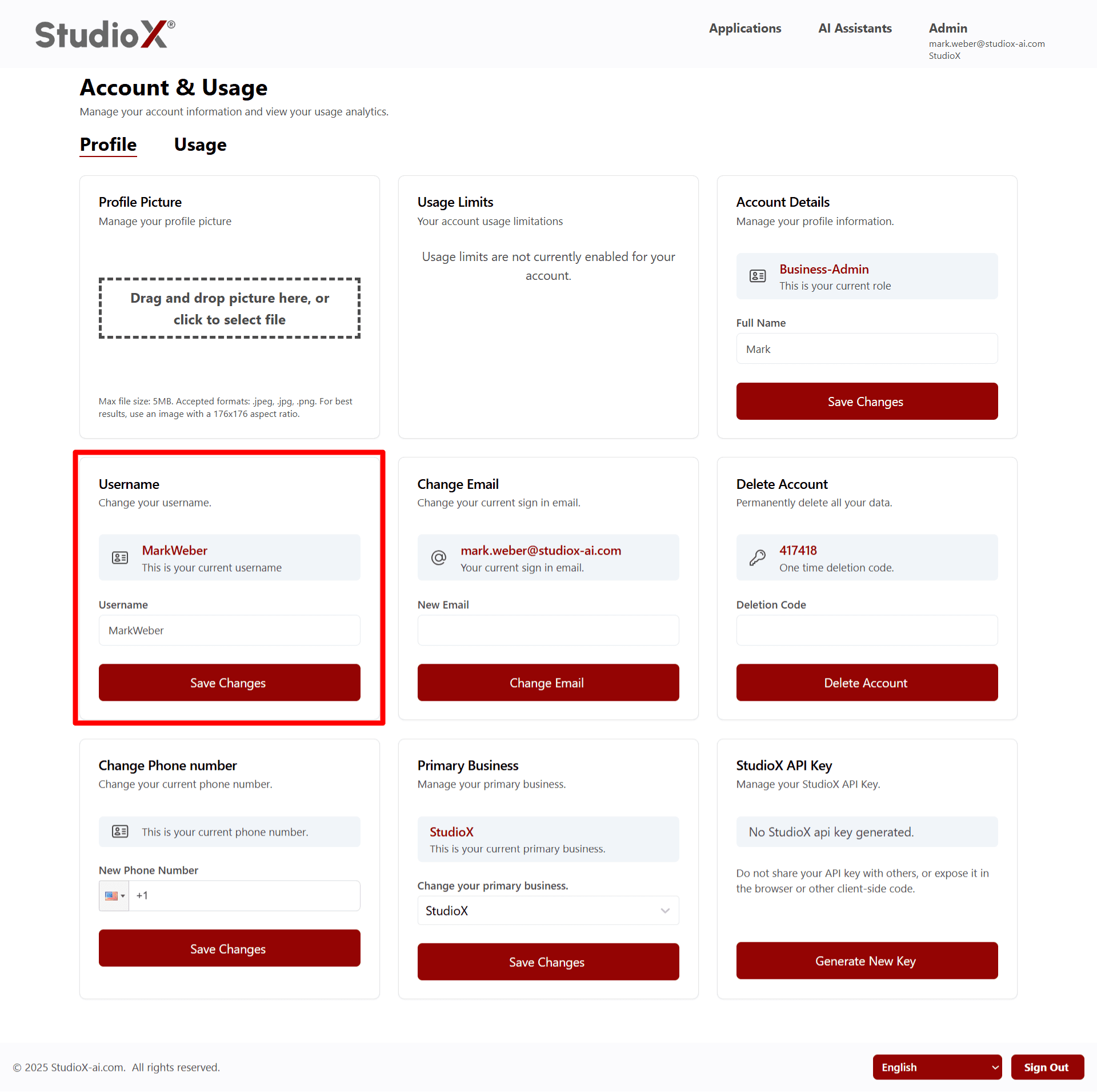
Users can see their current username and easily update it when needed
Customer emails support with complaint → Vibe reads email and responds automatically
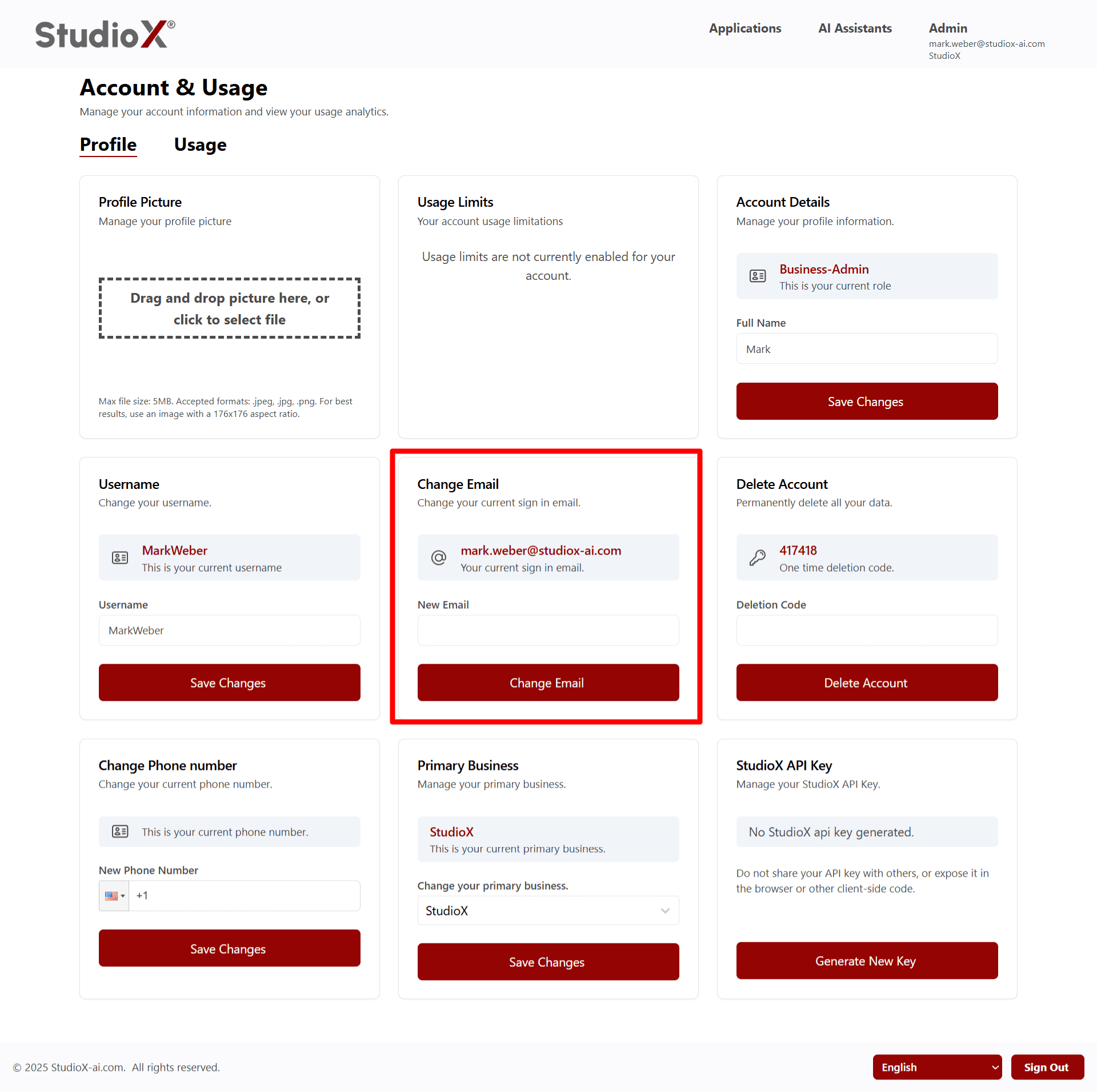
- View your current sign-in email
- Enter new email address
- Secure email update process with verification
Phone Number
View and update your contact phone number.

- Users can view and update their phone number at any time
- Country code selection available
Business Info
View your current primary business associated with your account.
This option is only available to Business-Admin and Business-Support roles
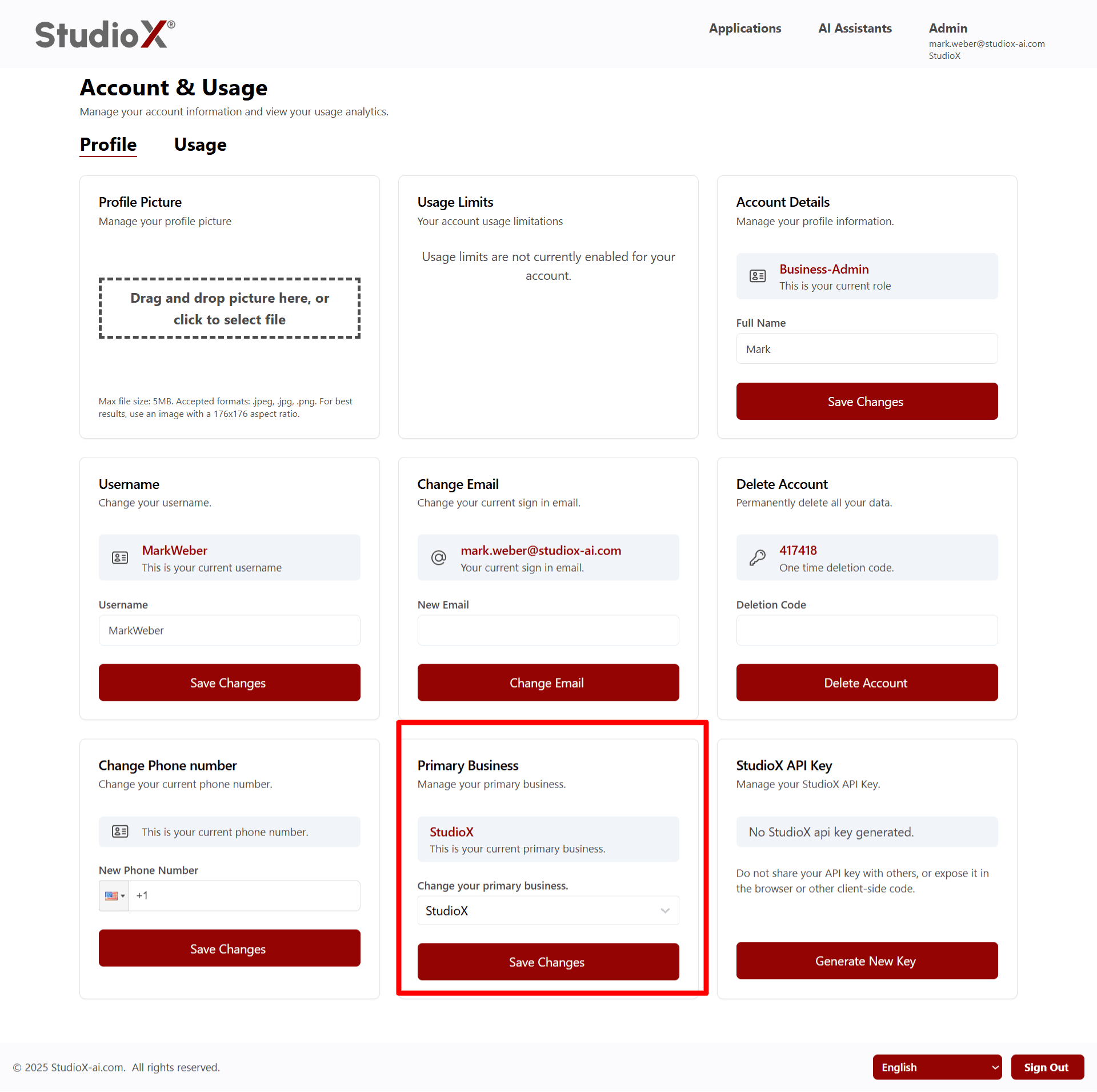
- Shows current primary business name
- Option to change primary business
StudioX API Key
API key authentication with custom header configuration
This option is only available to Business-Admin and Business-Support roles
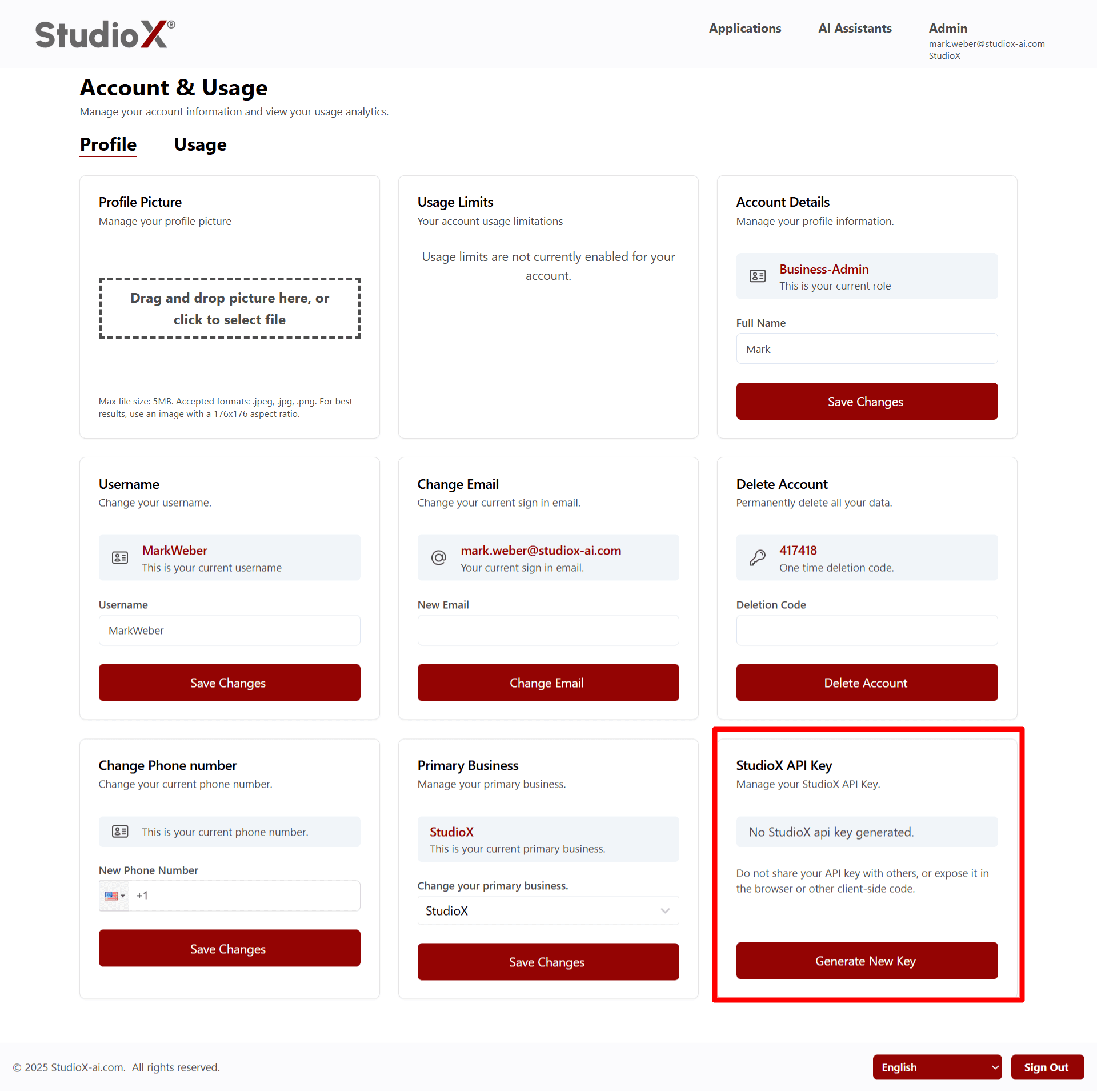
- Generate a unique StudioX API key
- Secure key management with regeneration options
- Use for integrating your account with external applications
Warning: Do not share your API key with others, or expose it in browser or client-side code
Delete Account
Permanently delete your account using enhanced security measures.
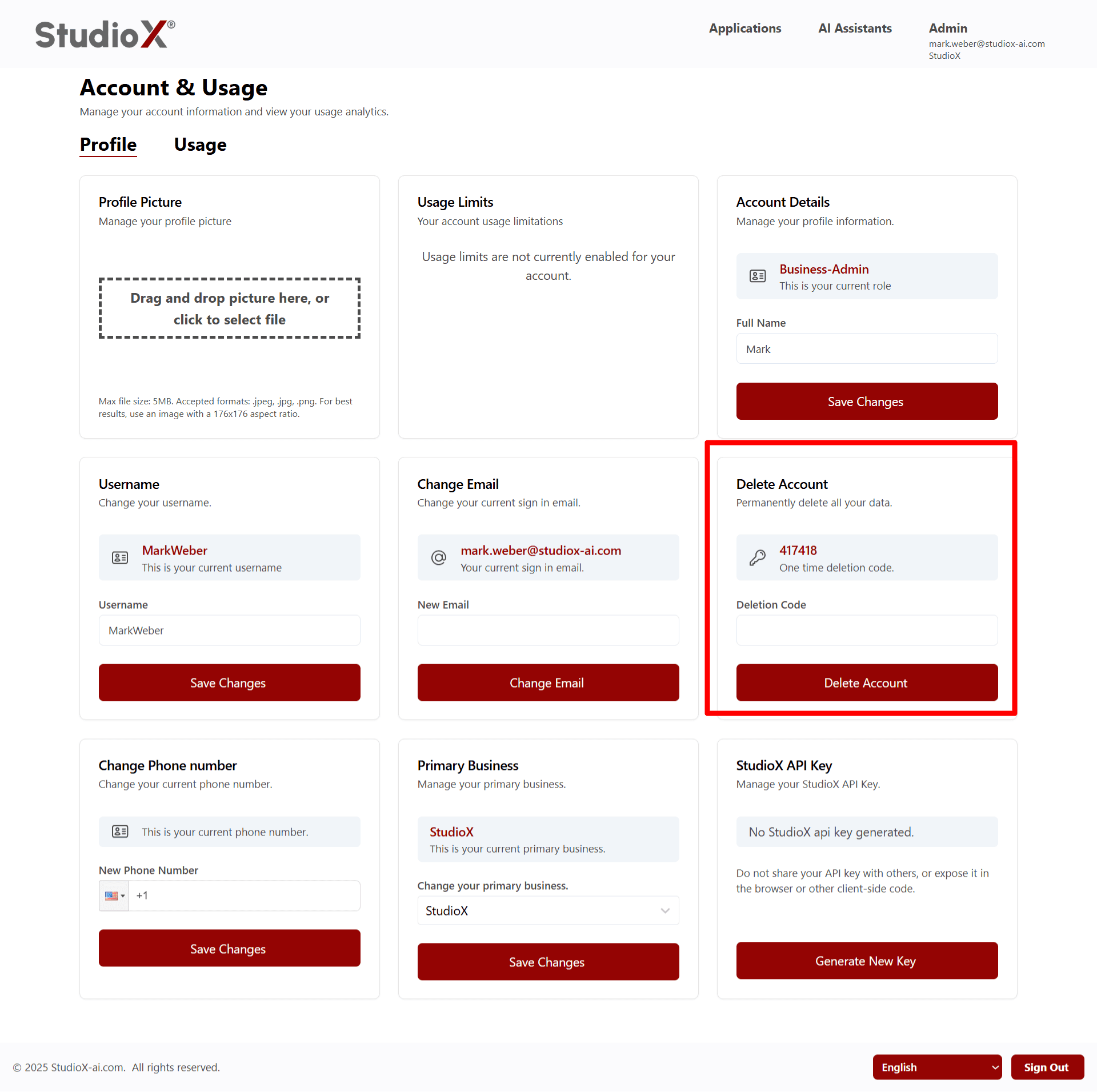
- One-time deletion code required for enhanced security
- Secure account deletion process
- A unique deletion code is provided for secure account removal
Warning: Account deletion is permanent and cannot be undone
Usage Limits
View your account usage limitations and current consumption.
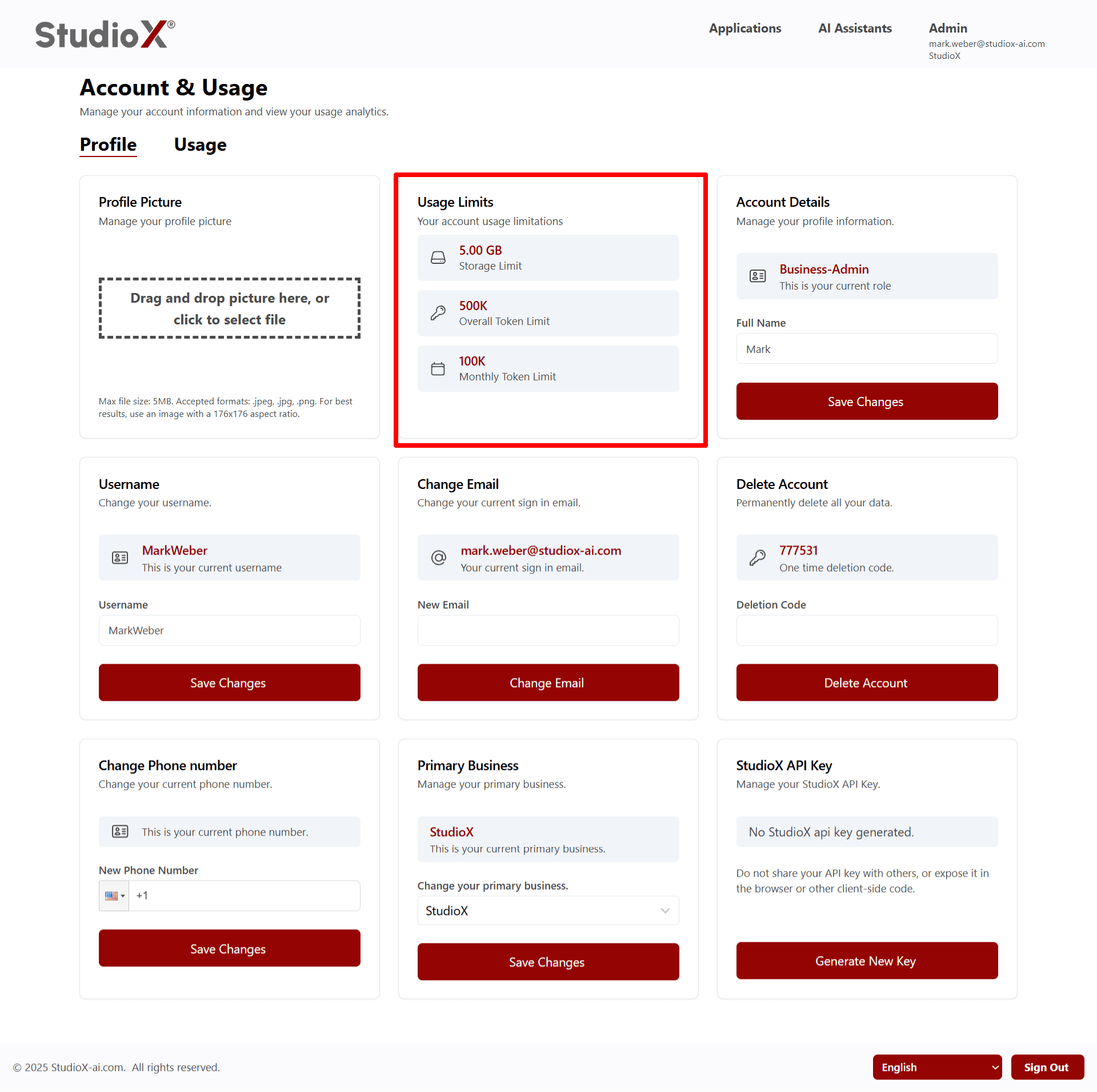
Shows total token use, total storage use, today's token use, today's storage use, and current month token use
- Storage Limit
- Overall Token Limit
- Monthly Token Limit
Note: Usage limits may not be currently enabled for your account
Usage Analytics
View detailed usage analytics with visual graphs and historical data.
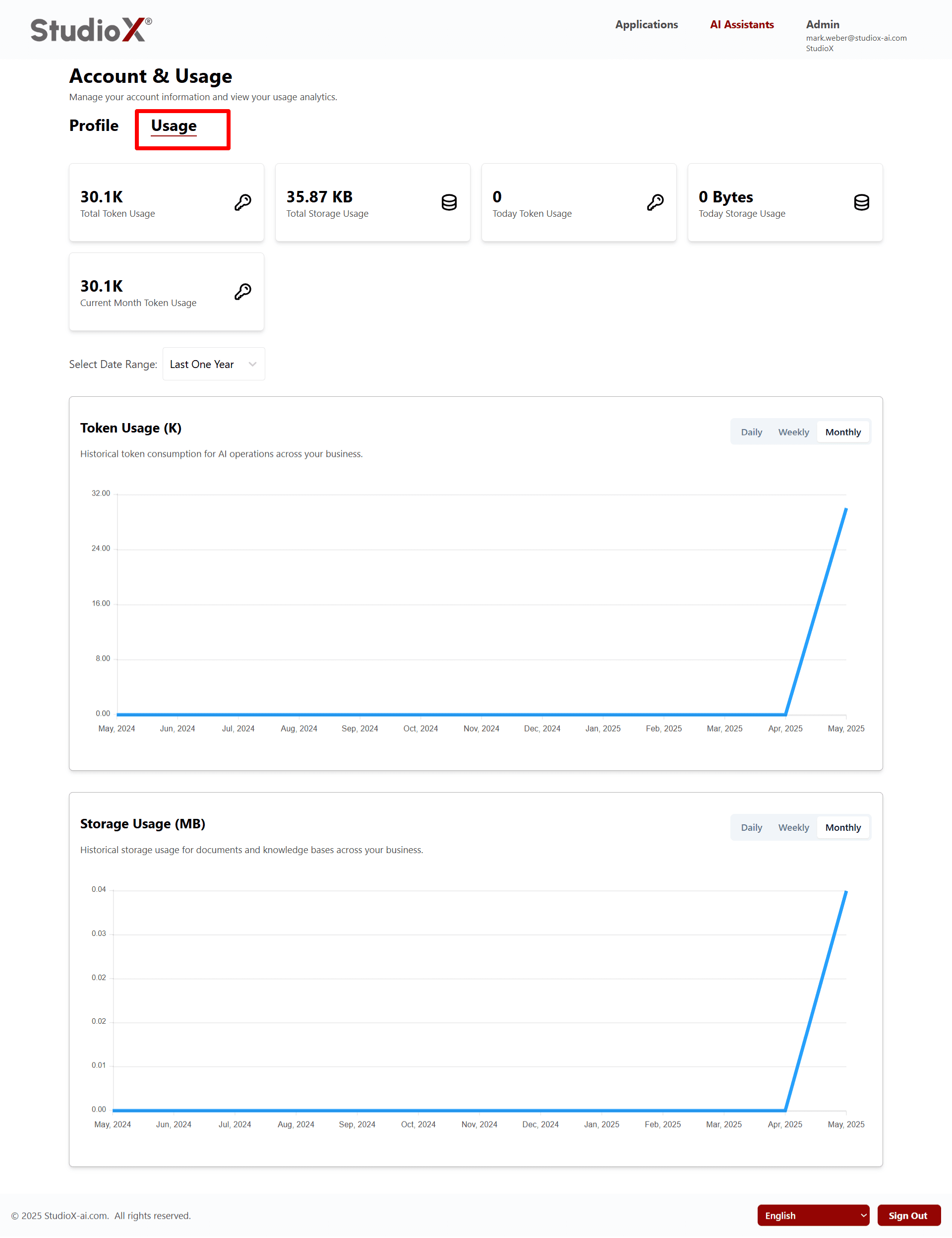
Usage Analytics
- Token Usage (K) - Historical token consumption for AI operations
- Storage Usage (MB) - Historical storage usage for documents and knowledge bases
- Daily, Weekly, Monthly views available
- Historical usage data for AI operations and storage across your business
- Track usage and performance