App Management
The App Management feature in the Platform gives Business-Admins full control over application access and visibility within their businesses.
Table of Contents
Application Management Overview
The App Management feature in the Platform gives Business-Admins full control over application access and visibility within their businesses. Apps are grouped into 'Enabled Apps' (those currently active for the business) and 'Other Apps' (apps available but not yet enabled). Business-Admins can enable/disable apps, assign access to specific users or teams, and configure roles and permissions for each app.
Access Path:
- Login to the Platform
- Go to Admin in the header navigation
- It shows a menu that has multiple options. Select App Management
An app can be assigned to different users with different roles and permissions, allowing flexible management based on business requirements.
Application Management Workflow
The workflow for managing applications involves accessing the feature, reviewing available apps, and configuring them according to business needs.
Workflow Steps
- Login to the Platform
- Navigate to Admin in the Header Bar
- Select App Management from the menu options
Enabled Apps
Apps listed under 'Enabled Apps' are currently active for the selected business.
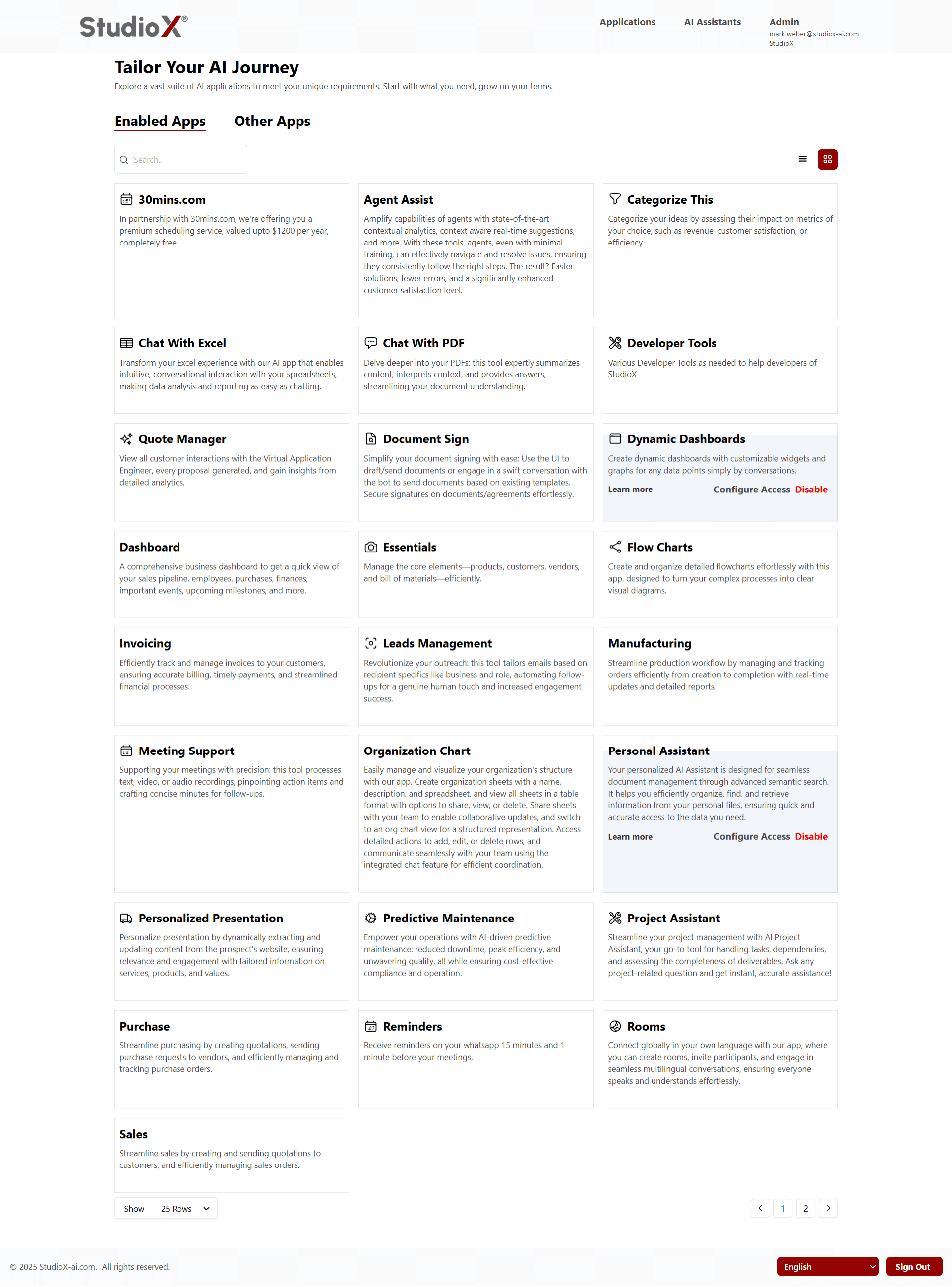
These applications are ready to use and can be accessed by users based on their assigned permissions.
Enabled Apps Features
For every enabled app, business-admins can perform various management actions.
Available Actions
- Learn More - Click to view app details such as description, features, and intended usage
- Configure Access - Define who can access the app and their permission levels
- Dynamic Management - Assign different apps to different users or teams
- Enable or Disable - Toggle apps on or off based on business requirements
Configure Access Options:
- Individual users or entire teams
- Role-based access (e.g., only Business-Support or current role)
- Resource scope permissions
Chat with Excel
Upload, analyze, and chat with your Excel spreadsheets using AI-powered insights and natural language queries.
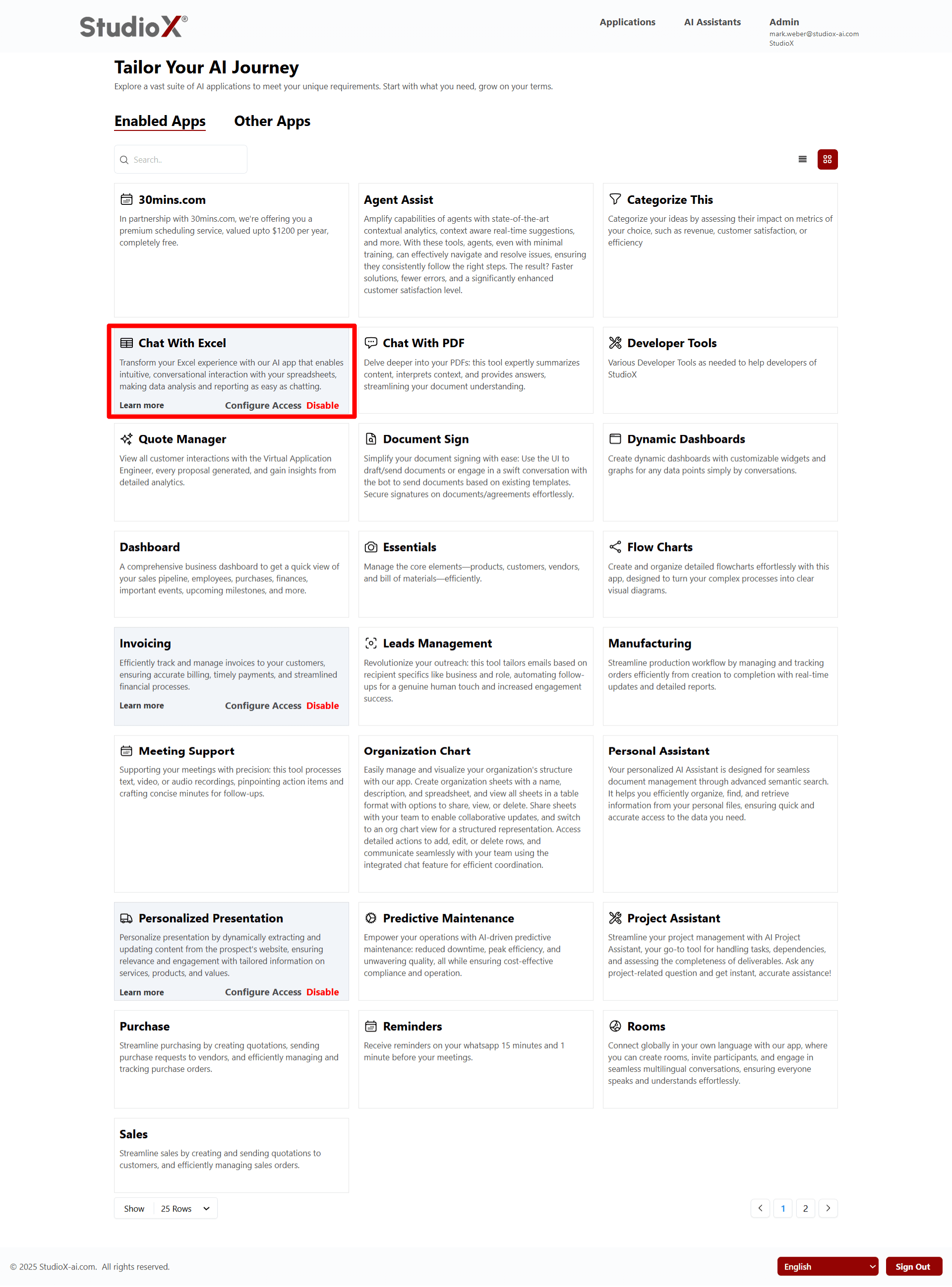
- Intuitive conversational interactions with your spreadsheets
- Ask questions and get answers about your data
- Create reports without needing complicated formulas
- It's like chatting with your data to understand it better and save time
Chat with PDF
Upload and interact with PDF, PowerPoint, and Word documents using AI-powered natural language conversations.
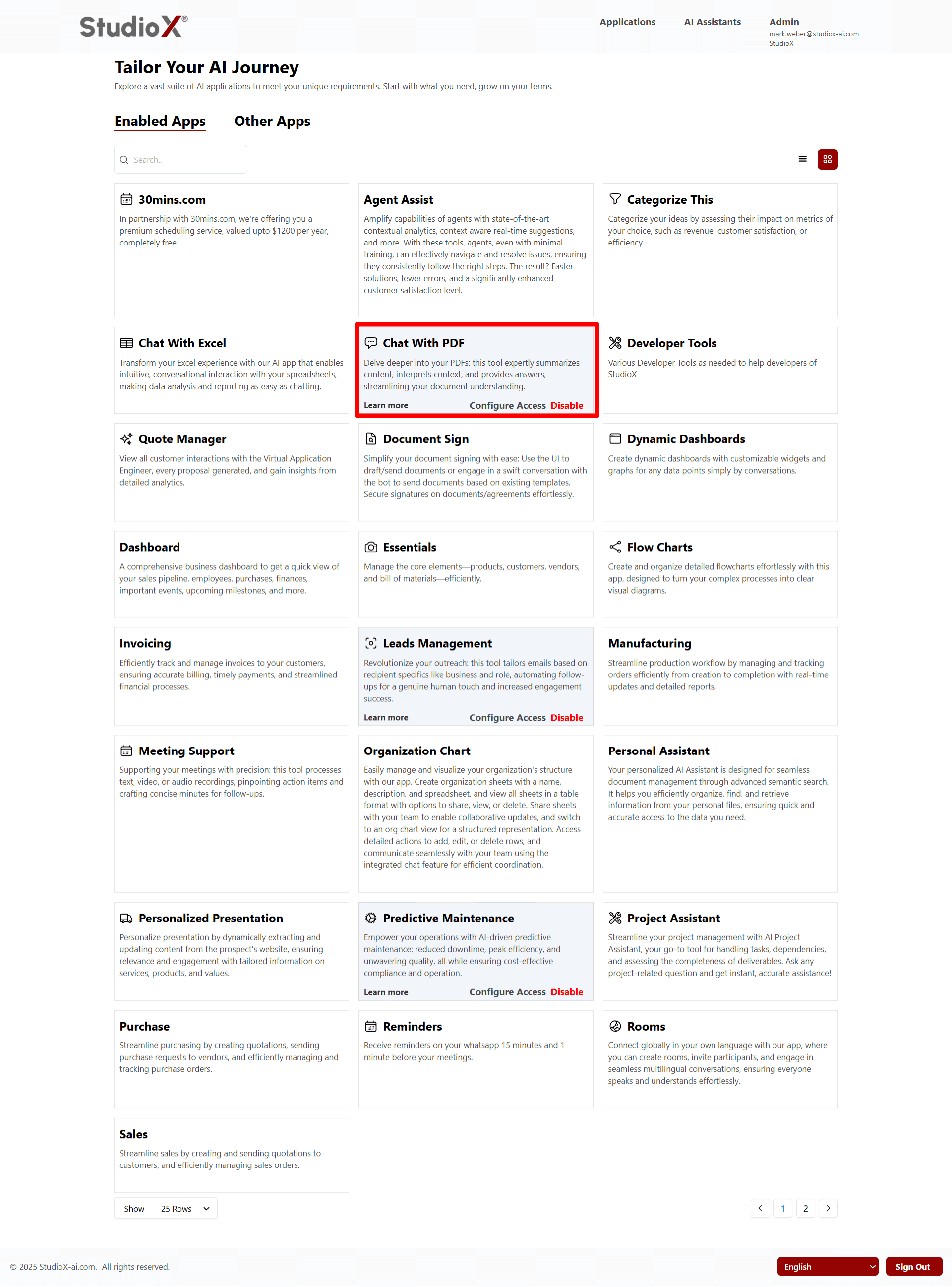
- Summarizing the main points of your documents
- Explaining what the content means in simple terms
- Answering any questions you have about the document
- Making it much easier and faster to read and understand your documents
Meeting Support
Upload, analyze, and manage your meetings with AI-powered summaries, action items, and collaborative features.
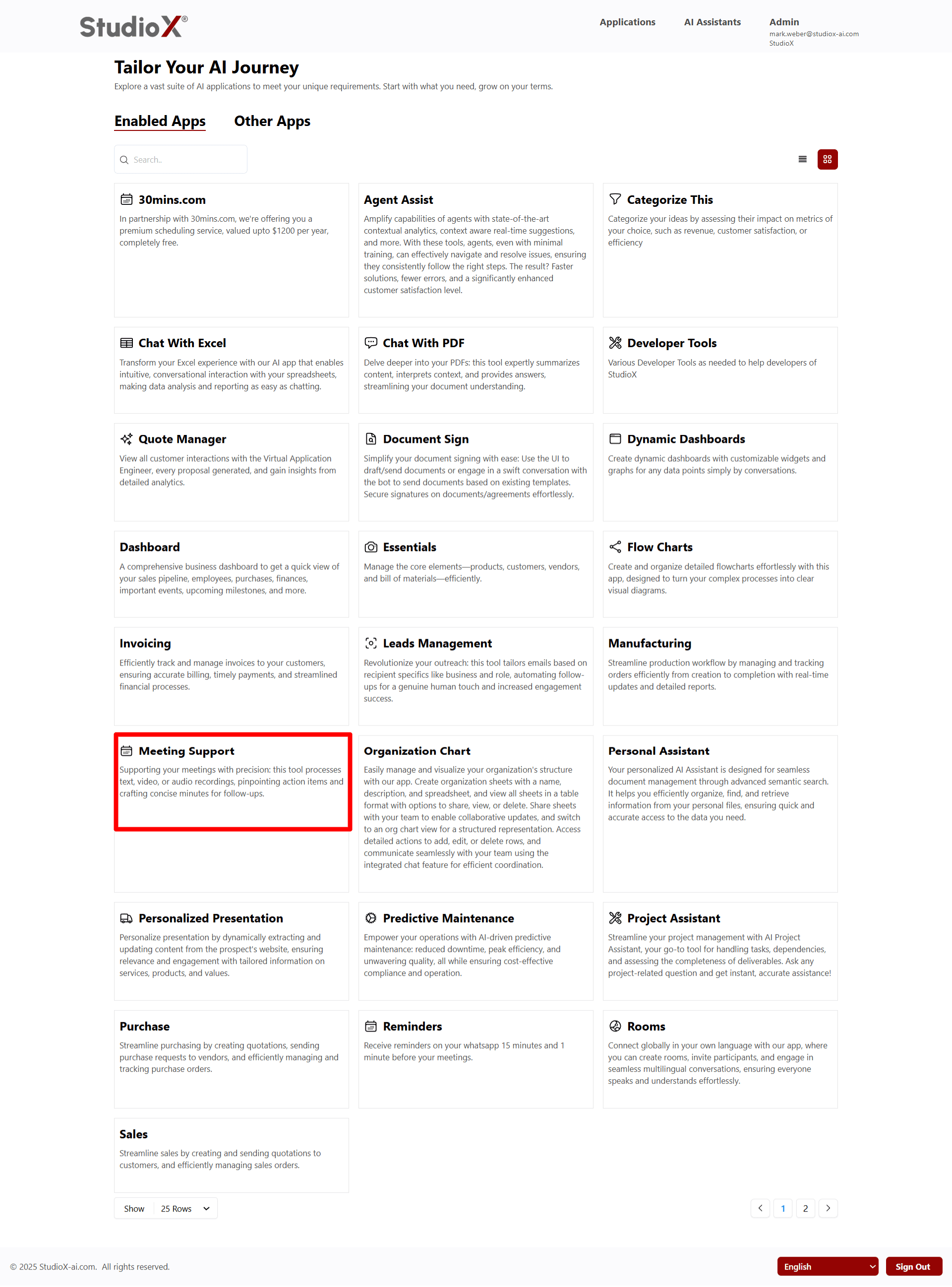
- Process text, video, or audio recordings of meetings
- Find important tasks that need to be done (action items)
- Create clear, short meeting notes for follow-up
- Streamline your follow-up process with organized summaries
Transcribe
Capture every word effortlessly: this app transcribes audio and video recordings with accuracy, and offers real-time transcription for live sessions.
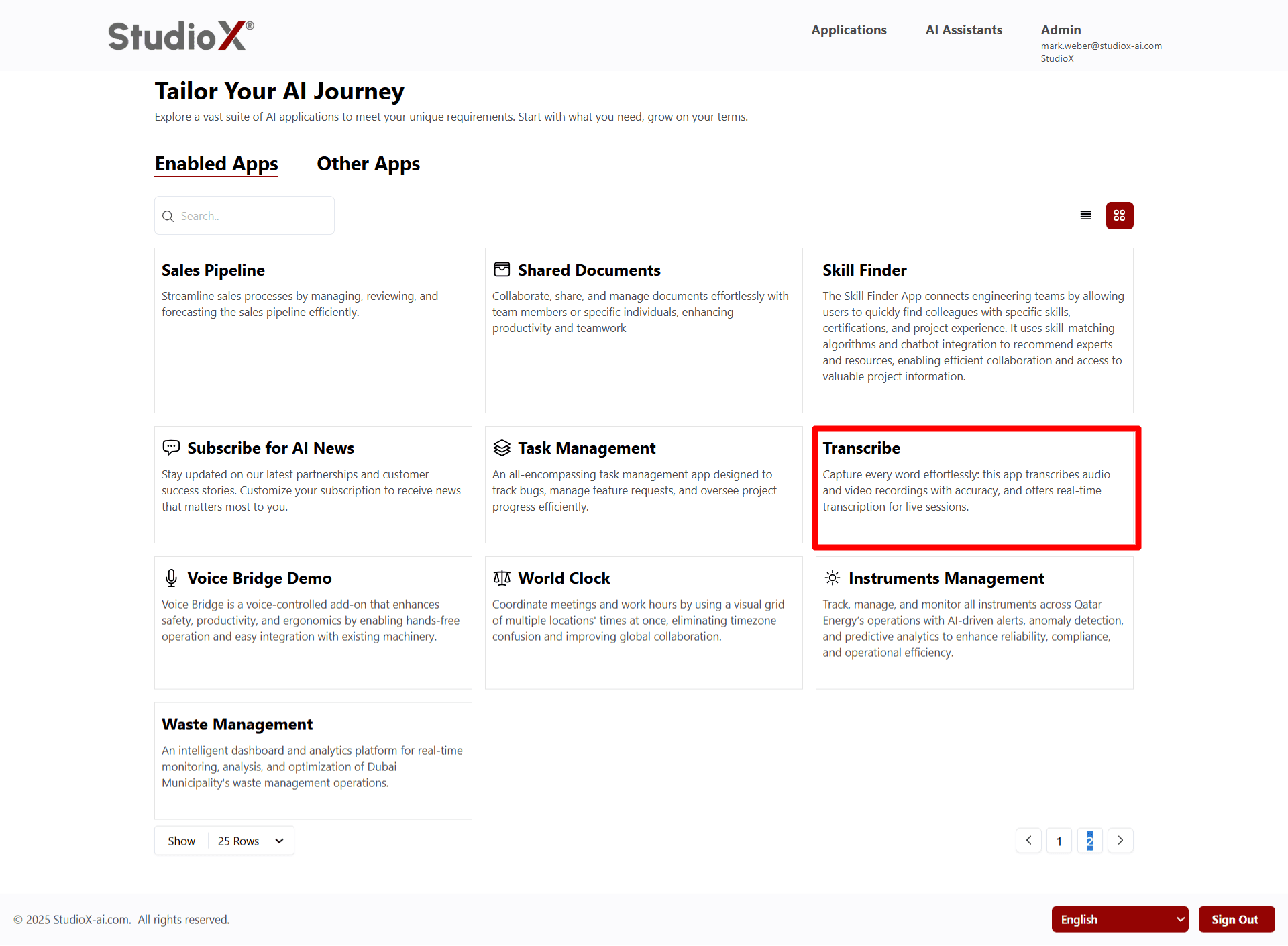
- Transcribes audio and video recordings accurately
- Writes down every word with high accuracy
- Works during live events for real-time transcription
- Provides real-time transcriptions while people are speaking
Rooms
Create multilingual chat rooms with real-time translation and voice transcription for seamless global communication.
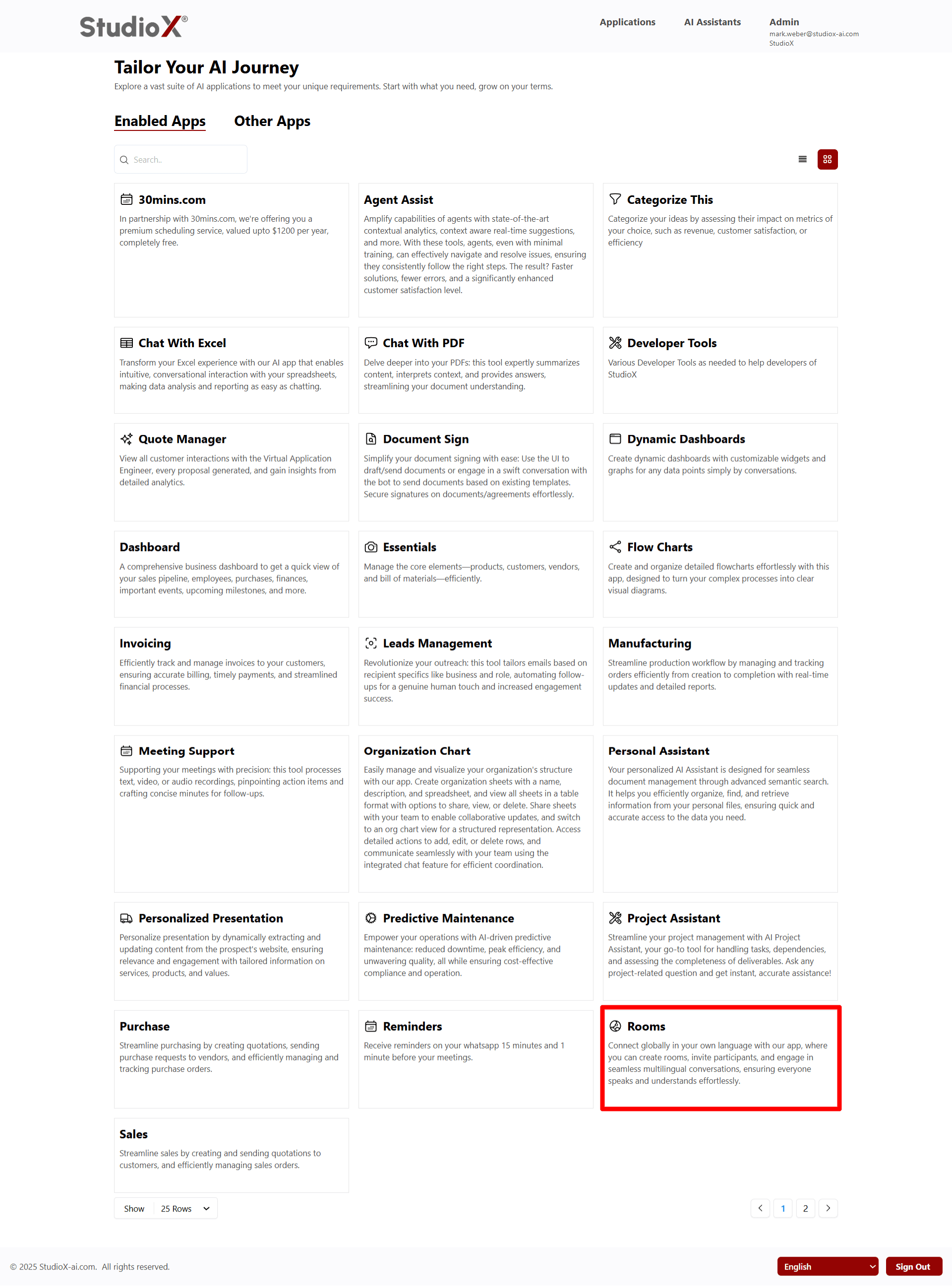
- Create chat rooms for global communication
- Invite participants to join conversations
- Have conversations in different languages
- Automatic message translation for all participants
- No need to speak a second language - easy way to connect globally
Other Apps
These are apps that are not currently in use but can be enabled when needed.
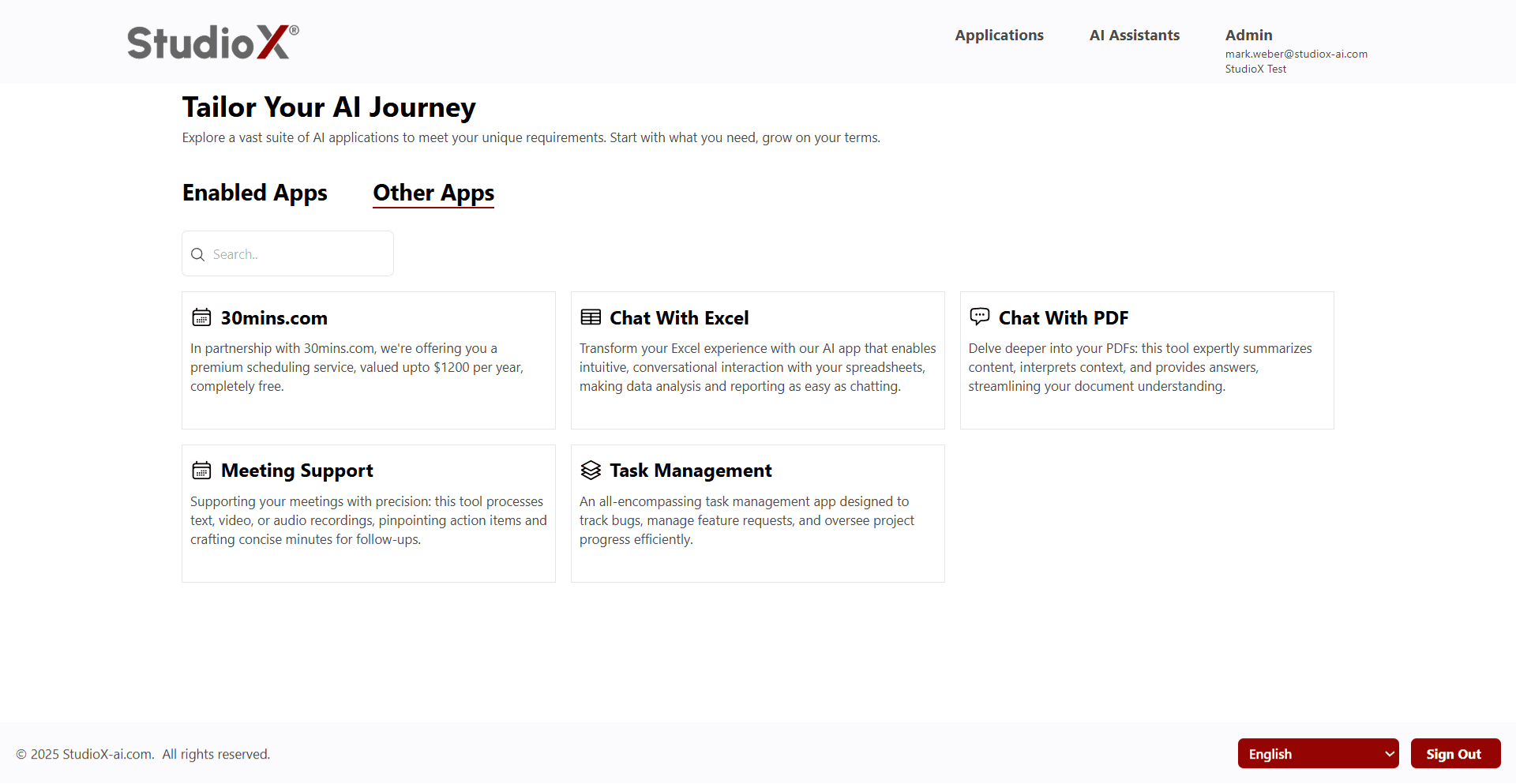
Other Apps Management:
- Click 'Learn More' to explore app capabilities and usage ideas
- Explore the app's features and potential business applications
- Enable them with a single click if they suit business needs
Admins can review and activate additional applications as business requirements evolve.
Search Functionality
Easily locate any app using the search space at the top of the page.
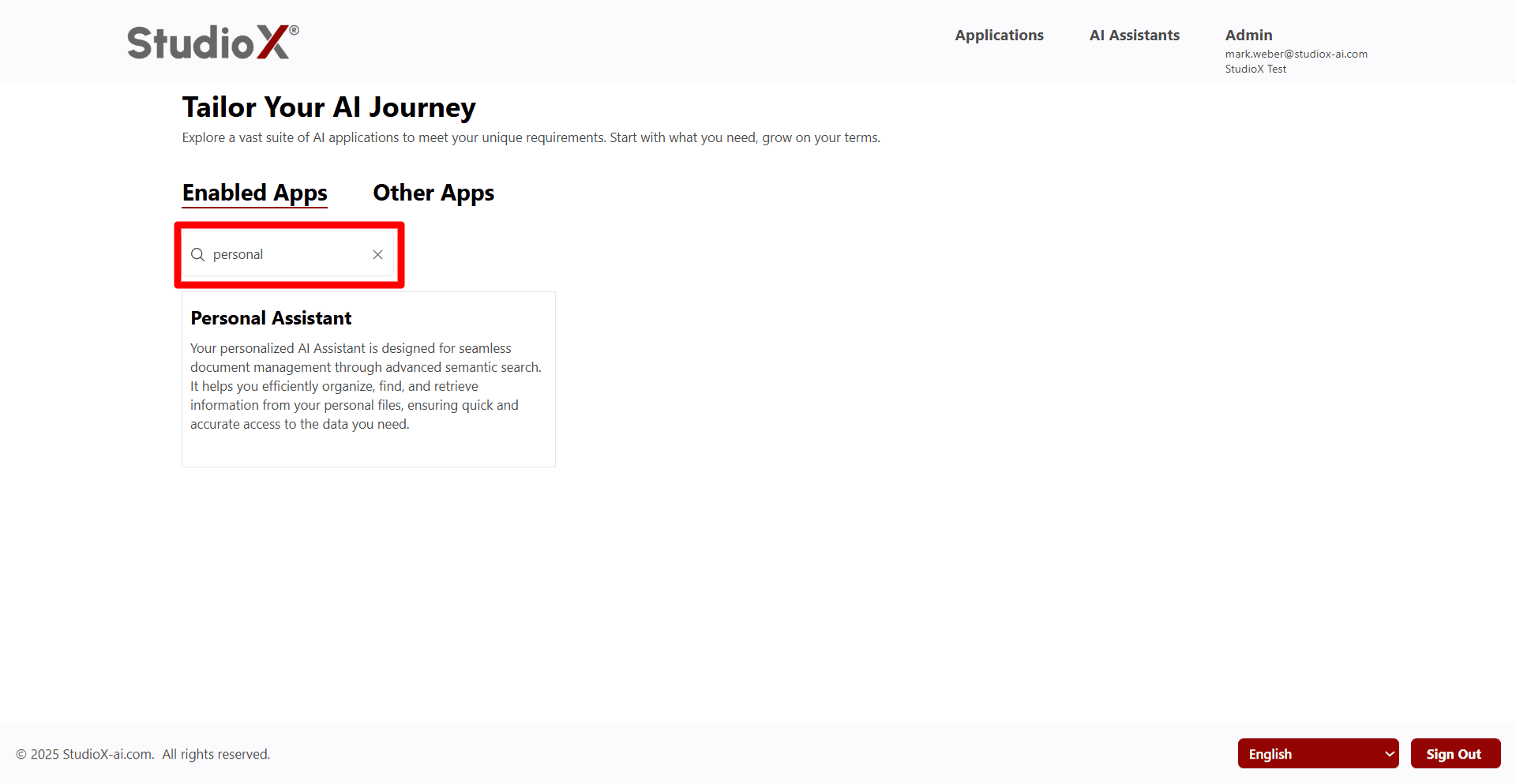
- Search by app name for quick location
- Search using keywords related to app functionality
- Quickly find specific apps without browsing the entire list
Switch Between Table View and Panel View
Switch between two visual formats for easier browsing and app management.
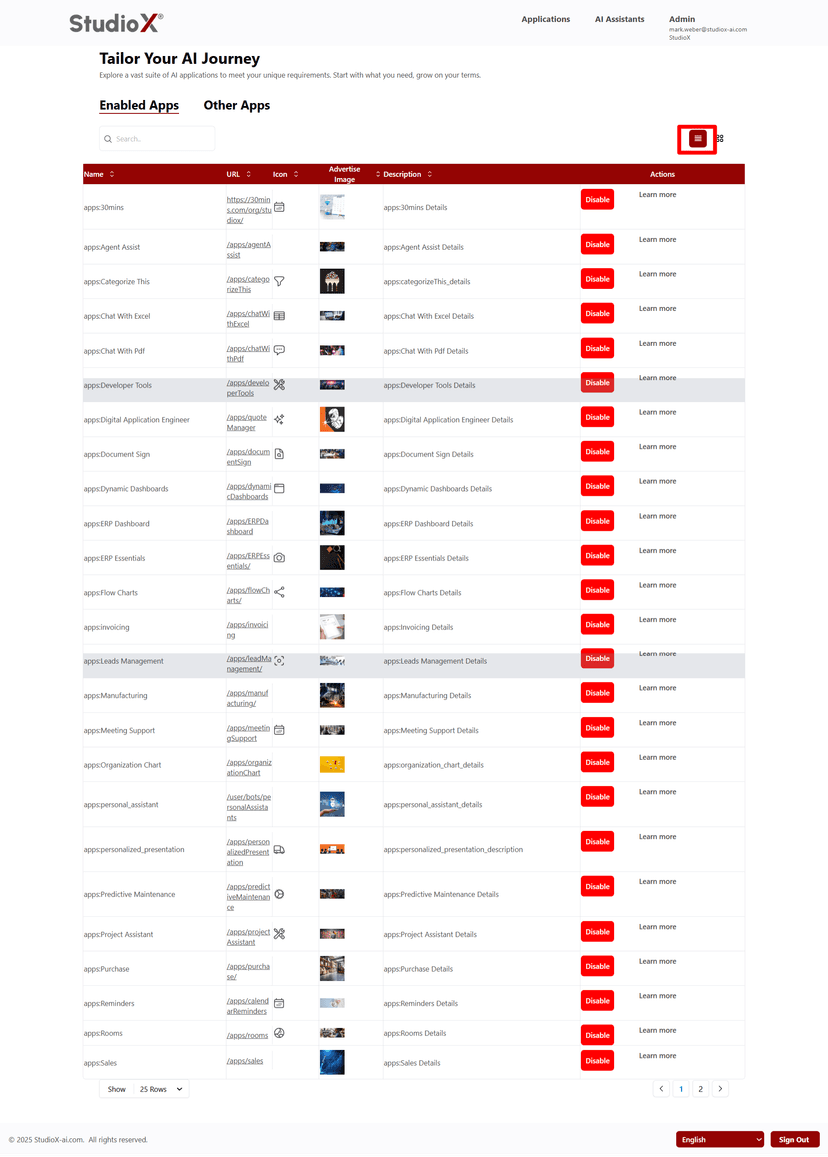
Table View
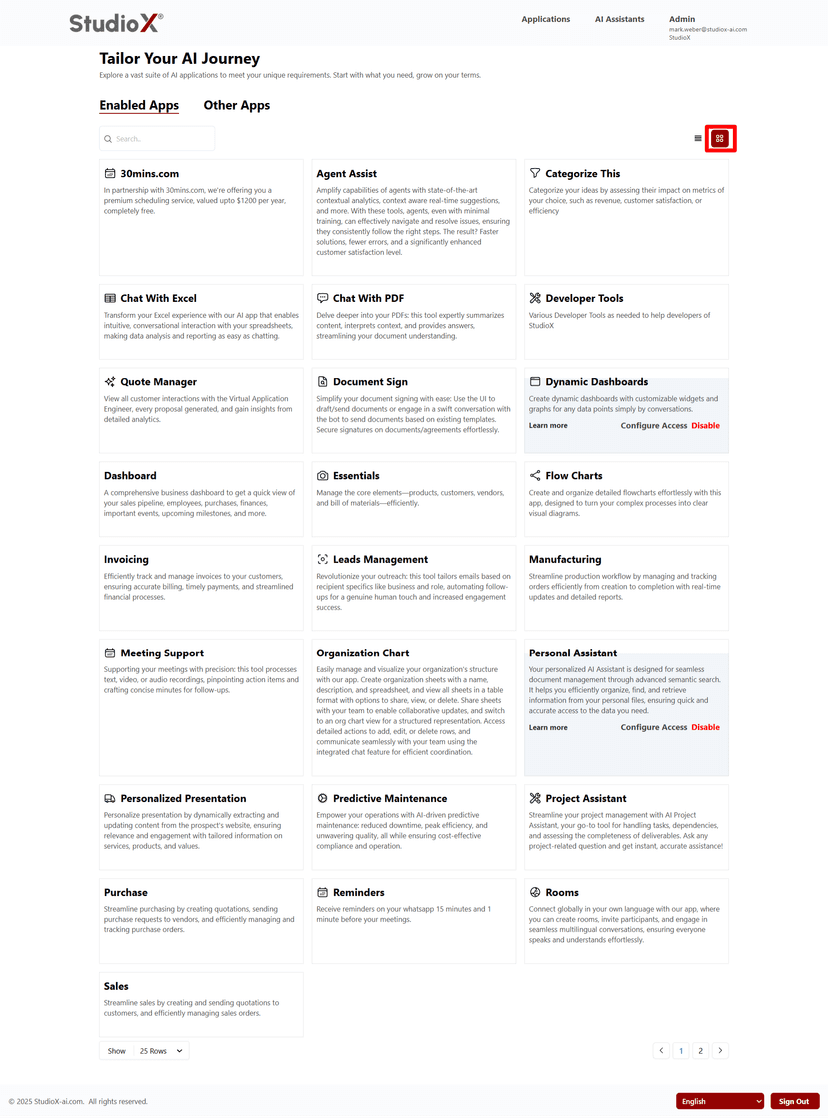
Panel View
View Format Options
- Lists apps in a tabular layout with columns like App Name, URL, Description, Icon, Advertise Image, and Actions
- Card-style layout offering a more visual experience, ideal when browsing new or unfamiliar apps
- Toggle icons help switch between views at the top right of the interface
Pagination for Apps Table
To accommodate a large number of Apps without overwhelming the UI, the apps table is paginated.
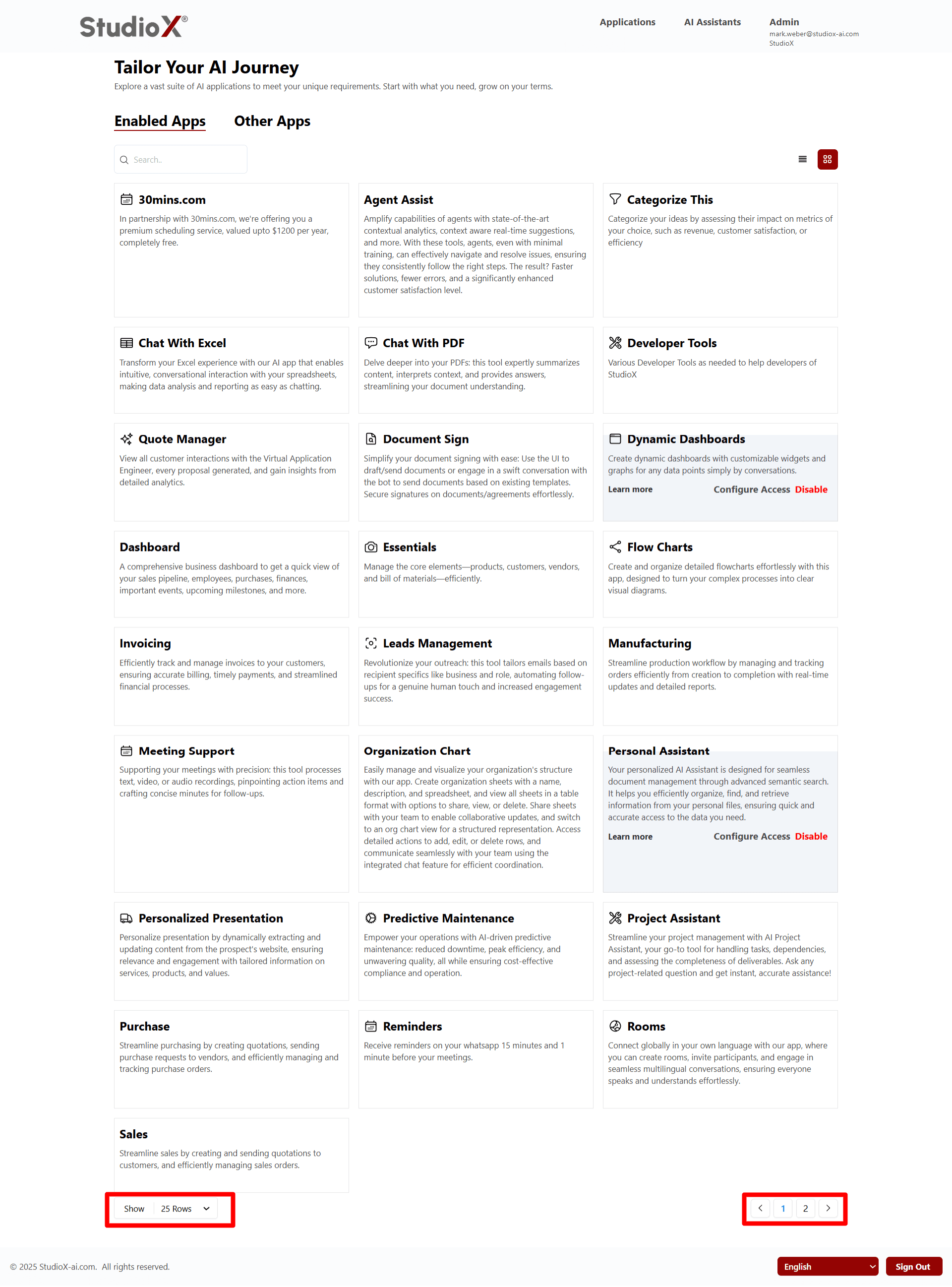
Pagination Features
- By default displays 25 apps per page
- Business-admin can select more to display - up to 100 in a view
- Navigate to next page to see additional apps
Ensures a clean user interface when handling large numbers of applications