Dashboard
Learn how to navigate and customize your Platform dashboard for optimal productivity.
Table of Contents
Dashboard Overview
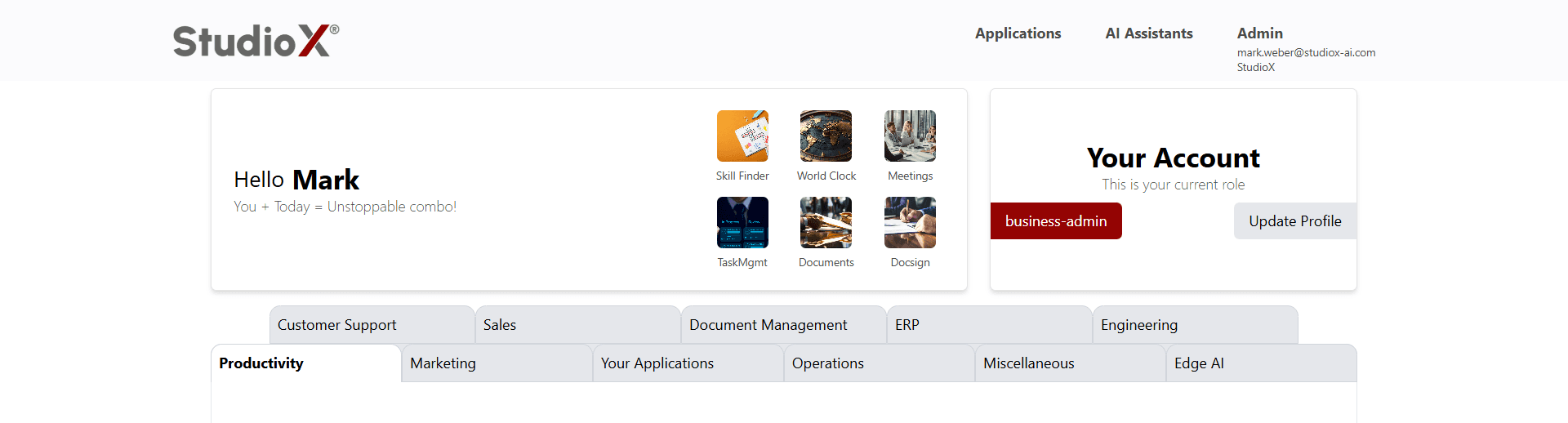
The Dashboard serves as your central hub, providing personalized access to applications, AI assistants, and administrative features based on your role. When you log in, the dashboard displays a customized experience tailored to your permissions and most-used applications.
Access Path:
- Log in to the Platform
- Dashboard loads automatically upon successful login
Welcome & Personalization
The dashboard greets you with a personalized welcome message that includes your name and an motivational tagline. This section helps create a personalized experience for each user.
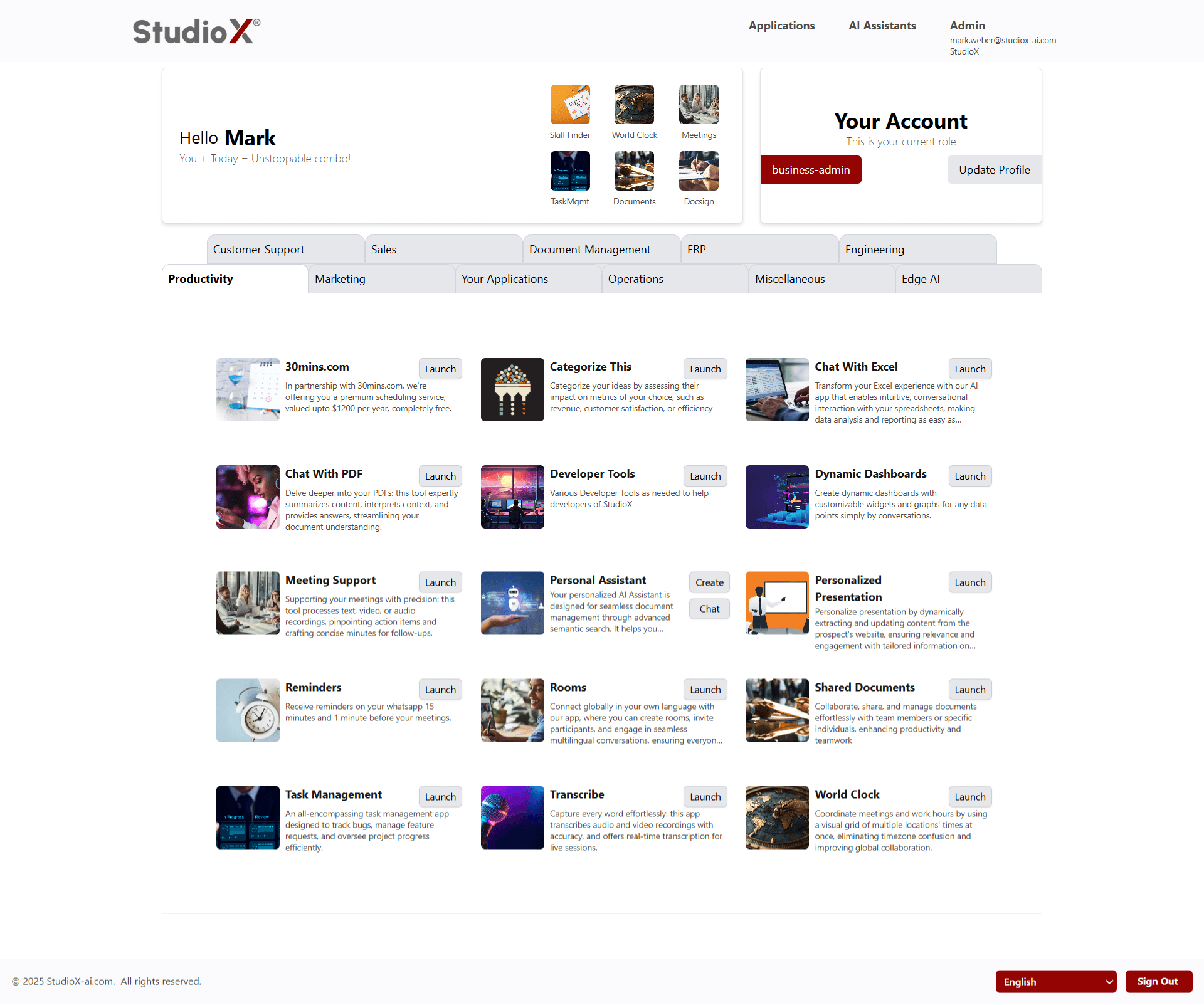
The welcome section adapts to show your name and provides a friendly, encouraging message to start your session.
Account Management
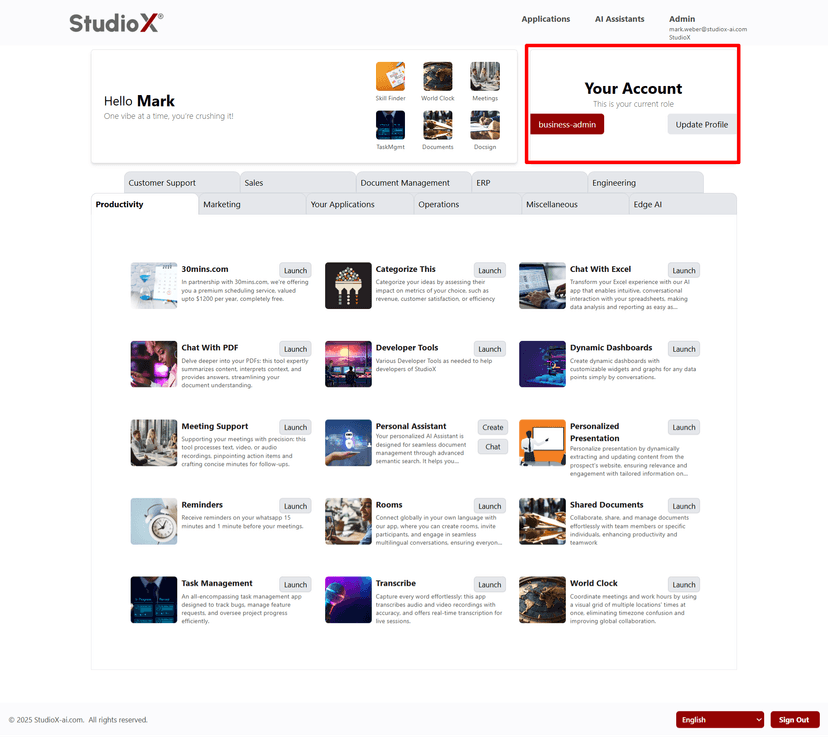
The Your Account section displays your current role and provides quick access to profile management. This section is essential for maintaining your account settings and understanding your access level.
Your Account Section
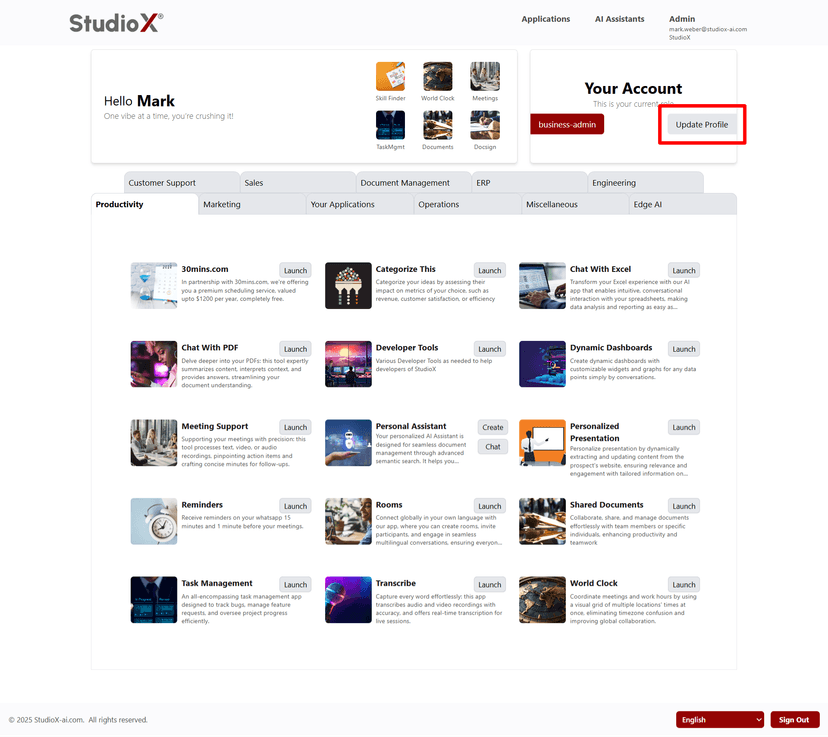
Update Profile Button
Account Features:
- View your current role (e.g., business-admin)
- Quick access to Update Profile
- Role-based dashboard customization
Most Visited Apps
The dashboard features a prominent section displaying your six most frequently used applications in an easy-to-access grid format. This personalized section helps you quickly launch your preferred tools.
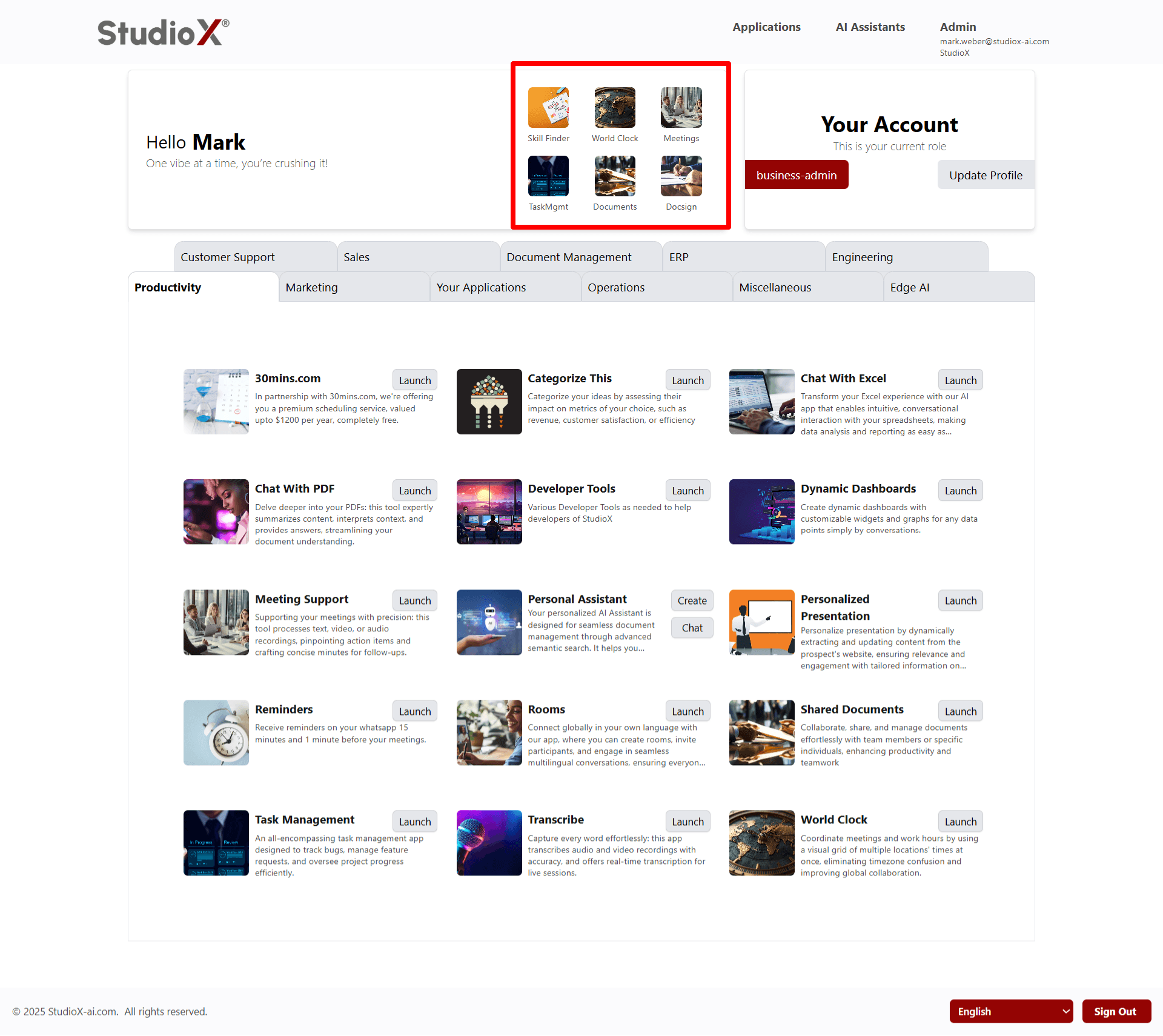
The grid automatically updates based on your usage patterns, ensuring your most important tools are always within reach.
Typical Most Visited Apps:
- Skill Finder - Find skills and expertise
- World Clock - Global time management
- Meetings - Meeting management tools
- TaskMgmt - Task and project management
- Documents - Document management
- Docusign - Document signing tools
Application Categories
Below the most visited apps, all available applications are organized into logical categories with tabs for easy navigation. Each application includes a Launch button for immediate access.
Category Tabs
AI Assistants
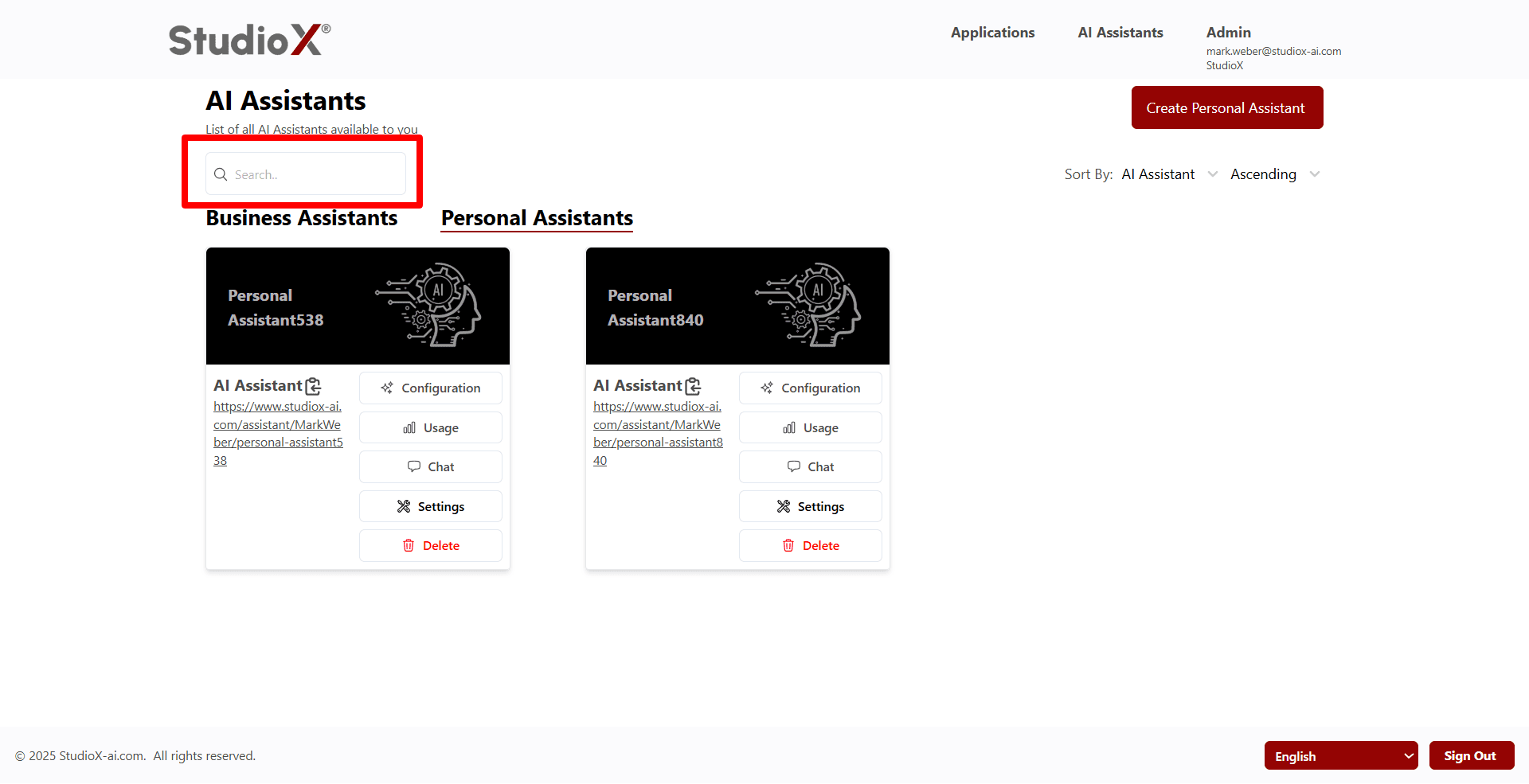
The AI Assistants section provides access to both Personal and Business AI assistants. Personal assistants are available to all users for individual productivity, while Business assistants are created by Business-Admins for organizational use.
Personal Assistants Management
Individual AI assistants created by users for their personal use and specific needs.
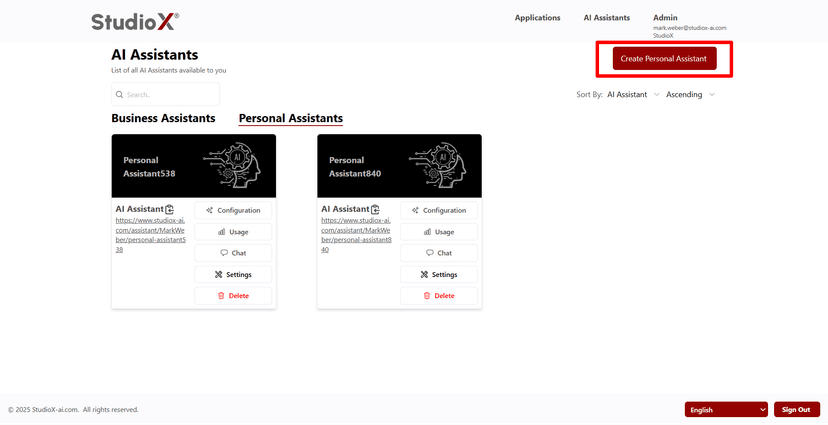
Create Personal Assistant
Search & Sort Personal Assistants
Personal Assistant Features:
- Focused on personal productivity and individual needs
- Chat with your assistant anytime
- Customize settings to fit your workflow
- Configuration options for personalization
- Track usage and performance
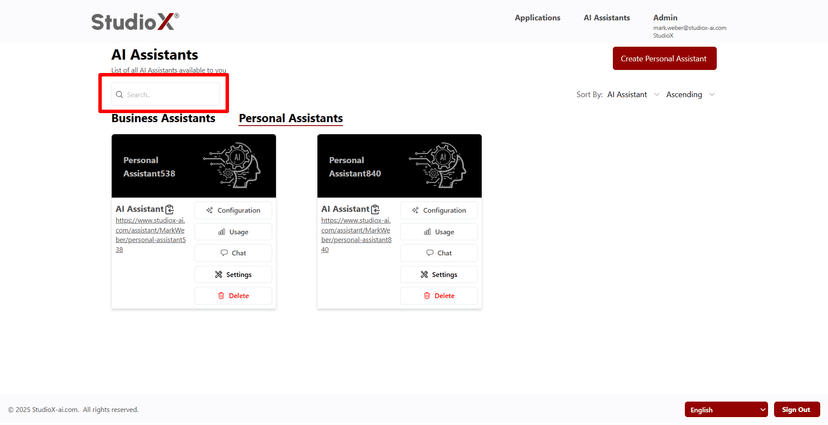
- Search, sort, and delete assistants as needed
Business Assistants Management
Organization-wide AI assistants created by business admins and shared across teams.
Access Restriction: Business assistants are only available to Business-Admin users
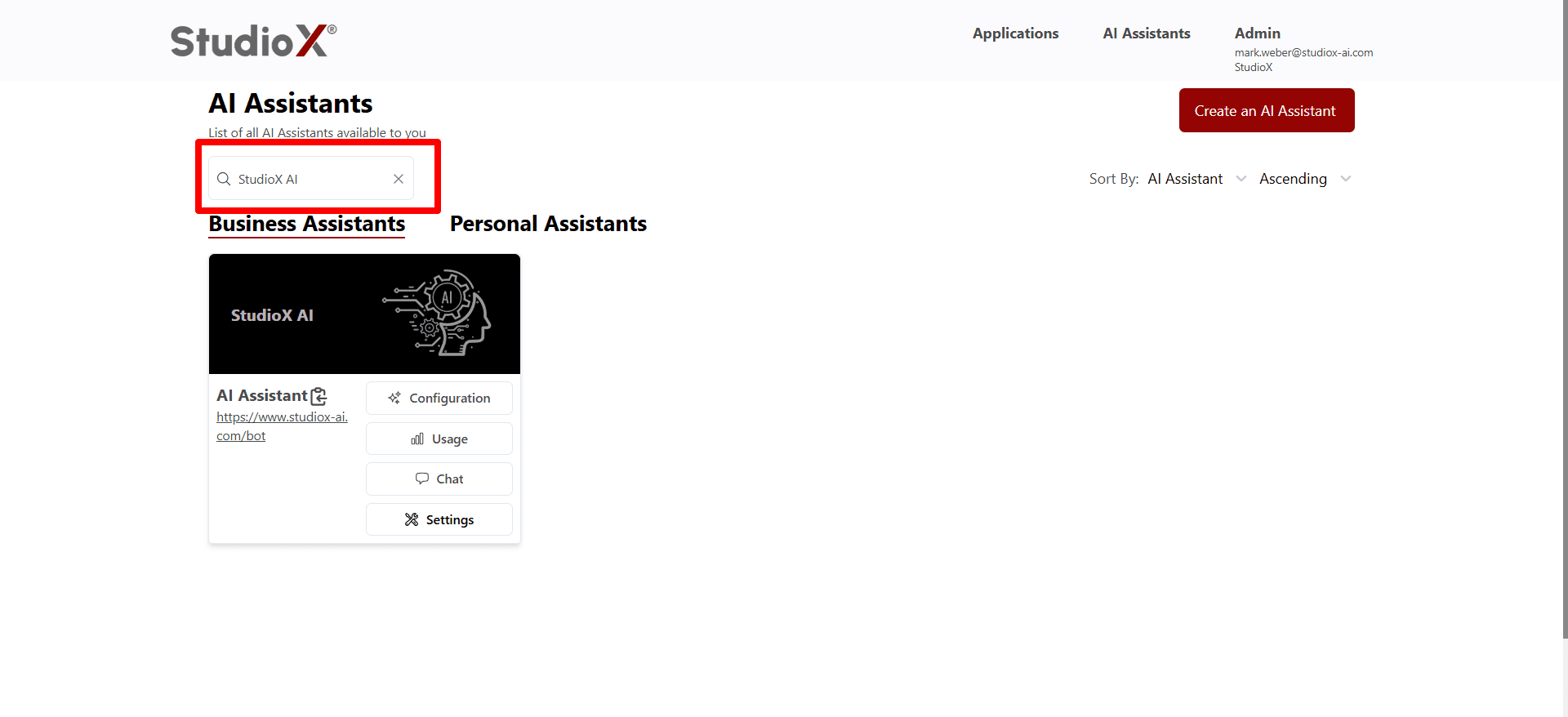
Business Assistant Capabilities:
- Tailored to organizational needs and workflows
- Make assistants available to other users in the organization
- Configure to align with business processes
- Full customization of responses and behavior
- Usage pattern monitoring
- Connect to business knowledge sources
- Admin search, sort, and management capabilities
Admin Features
Business-Admins have access to comprehensive administrative features through the Administration of Your Account section. These tools provide complete control over account management, user administration, and system configuration.
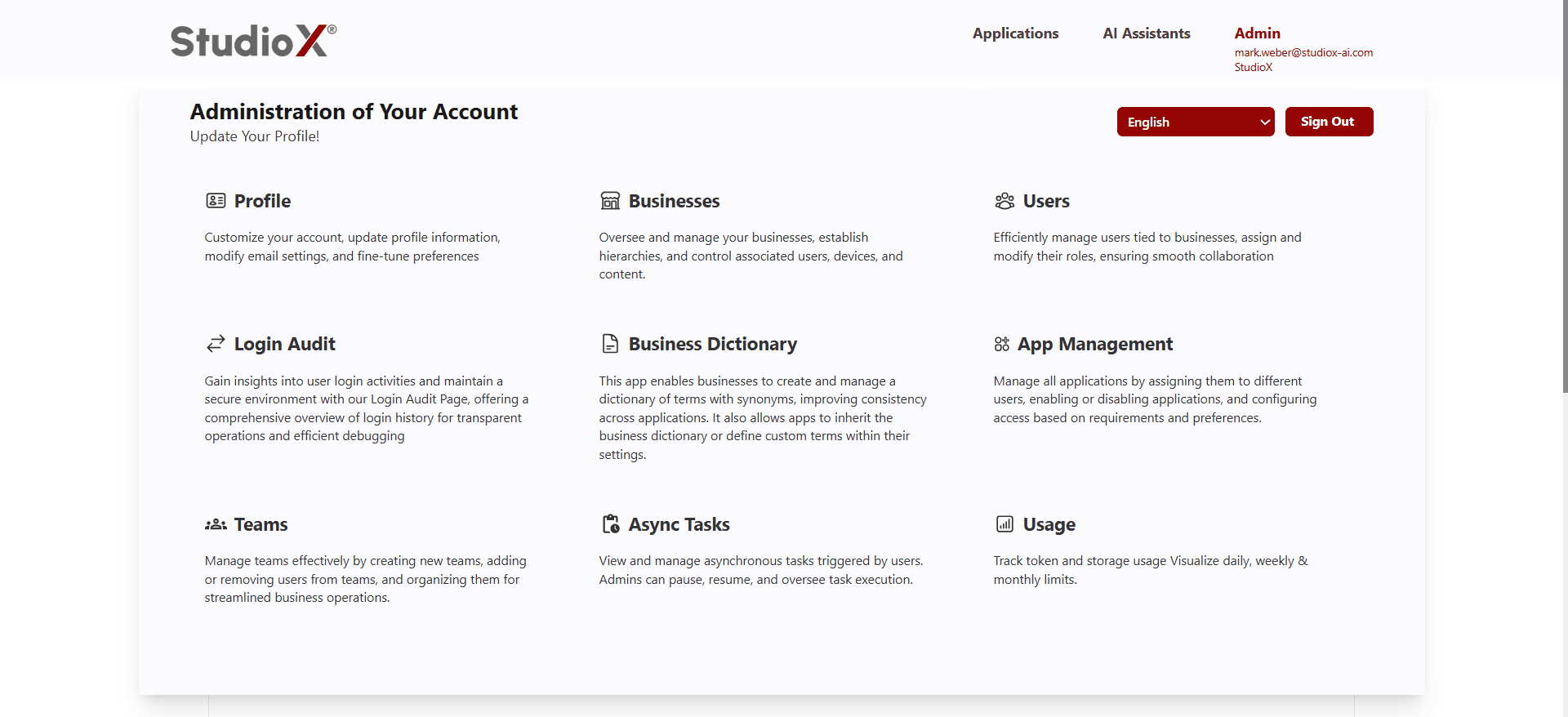
Profile
Customize account settings and preferences
Businesses
Manage business hierarchies and organization
Users
Add, modify, and manage user roles
Login Audit
Track user login activities and security
Business Dictionary
Create and manage business terminology
App Management
Control application access and settings
Teams
Organize and manage team structures
Async Tasks
Monitor background tasks and processes
Usage pattern monitoring
Track token and storage usage limits
Language & Sign Out
The top-right corner of the dashboard provides access to language settings and sign out functionality. These controls are consistently available across all dashboard sections.
Users can easily switch between available languages and securely sign out of their session when needed.